
Part 2 of a 3-part Series
Published 5 January 2015
23 January 2024
How Do File Links Really Work?


In our first article in this series, “What is a Link Really?”, I discussed some very common misconceptions about links. As promised, in this article, I cover how they can affect you, answering, once and for all, the common question, “How do links work?”
So, let’s have some fun with this and use an analogy to really show what file links are all about and how amazing they are (and how they can get you in trouble).
What is a Parent File? What is a Child File?
First, let’s define a few terms as they are used in this article. Then we’ll get to the part where I reveal what all this has to do with pecan pie.
A file that contains one or more links pointing to another file is called a “parent file.” A file that is being pointed to by a link is called a “child file.”
A “link” is a set of instructions placed inside the guts of one file (a parent file) that tells the computer where to look for another file (a child file) and what to do with that child file. This is what a link, in essence, is.
A Yummy Analogy
Here comes the analogy that will make this so clear and easy that you will never forget it: Let’s say that you are in your office and you need something picked up, each and every day, from another location and brought to you.
So, you send for a company courier named “Bob” who walks into your office. You tell Bob that you need the following done at noon every single day. Then you hand Bob a piece of paper that says:
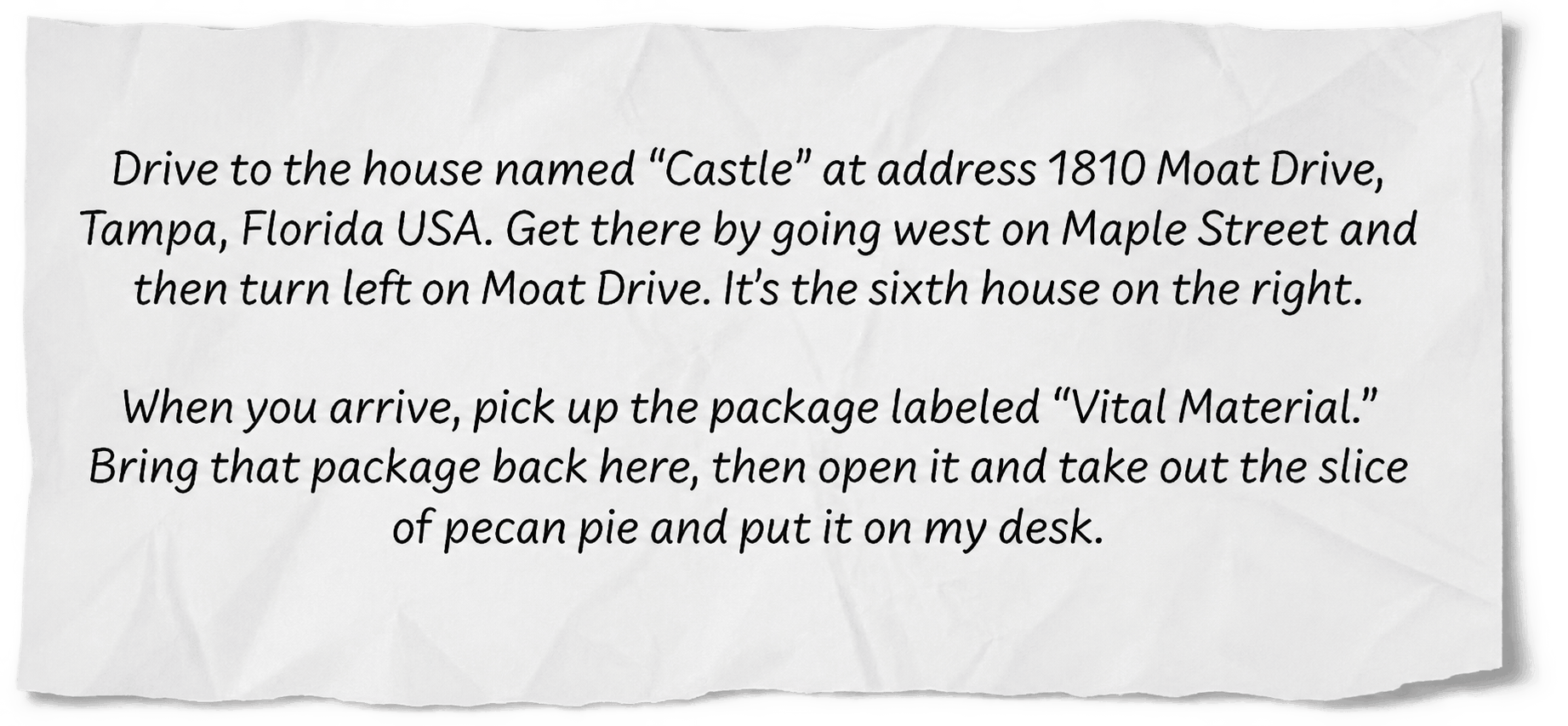
- The office where you and Bob are standing is the parent file.
- The house named “Castle” is the child file.
- The address and the directions to the house are the file path.
- The package with the pecan pie is the target data residing inside the child file.
- The courier Bob is the computer CPU that will execute your instructions.
- The full set of instructions (which is everything on the piece of paper) is the link.

How is a slice of pecan pie a metaphor for the work done by a file link? Find out in this article.
A link is a set of instructions residing in one file that tells the computer where to look for another file and what to do when it finds the other file.
So Bob, being just a CPU and unable to think like a human, never found the house (child file), came back to the office (parent file) and left an empty space where your pie should have been.
If Bob (the computer CPU) drives to the house (the child file), successfully retrieves the package (the target data), brings it back to your office (the parent file) and places the pecan pie on your desk, then the instructions (link) worked correctly, as did Bob. And all is right with the world.
"File Not Found"
Unfortunately, not all file links work correctly all the time. Sometimes links get corrupted resulting in a jumble of meaningless characters, in which case Bob would return to your office (parent file) and present you with either nothing or some sort of bad banana (error message). This is one way a “broken link” occurs. But the most-common cause of broken links is something else entirely.
Much more commonly, the instructions (link) were completely correct — at the time they were written. But recently a local politician named Jonathan changed the name of the street on which the house (child file) resides to “Jonathan Court.” So, Bob, being just a CPU and unable to think like a human, never found the house, came back to the office (parent file) and left an empty space where your pie should have been.
So, What Went Wrong?
What went wrong here is that someone altered the address of the child file without updating the address in the link.
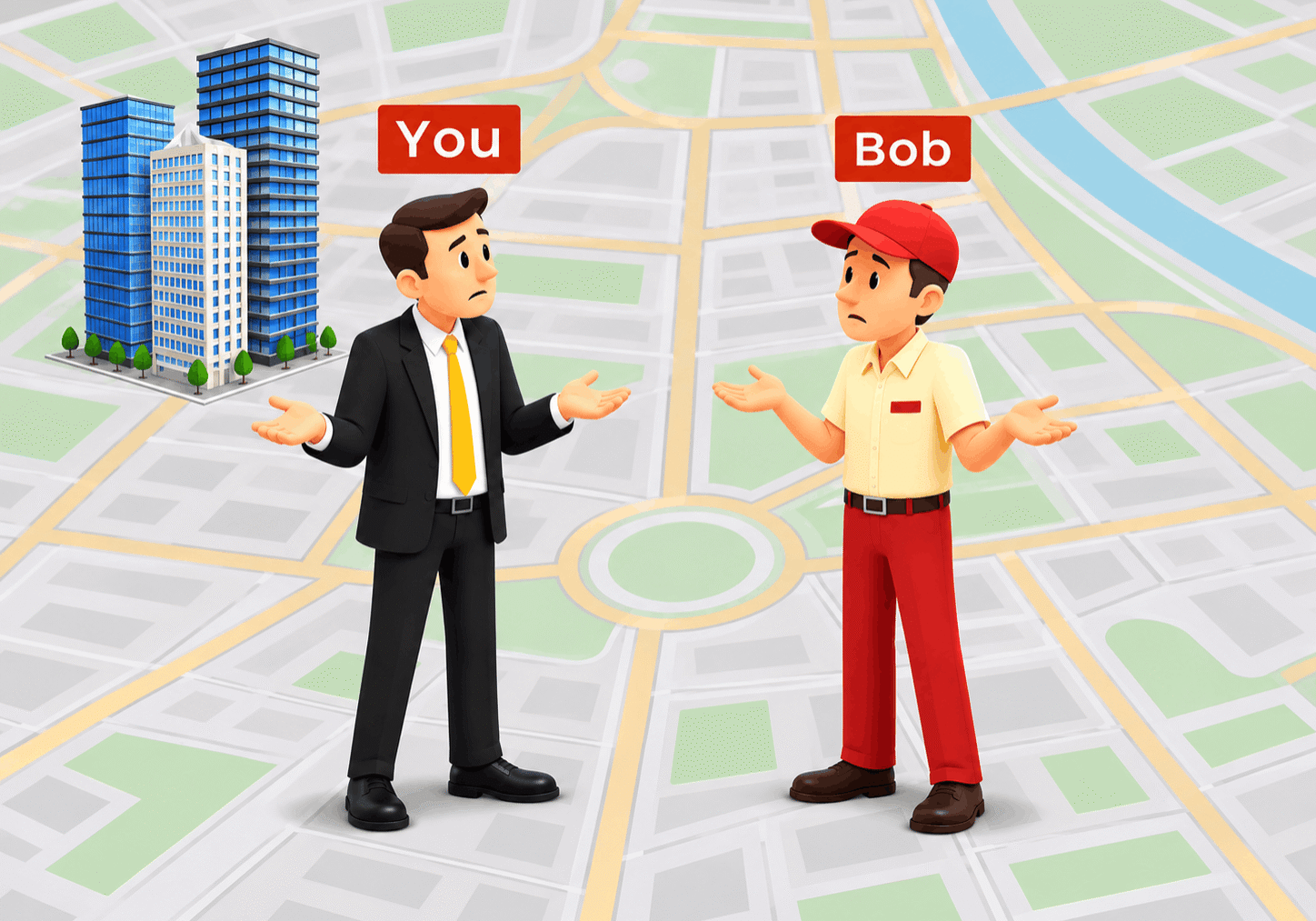
Broken links can leave everyone empty-handed.
See, the instructions in the link sent Bob (our hapless CPU) looking for a street (folder) named “Moat Drive.” But thanks to Jonathan the politician, there is no street named “Moat Drive” anymore. Bob, being a CPU (not a human) doesn’t possess the ability to look at landmarks and figure out what to do (at least not until AI gets even better). So, he returned home (parent file) with nothing except perhaps that weird marker you get when a graphic is missing from a file.
And it happens to thousands of files at a time during a “little” thing called a “data migration” which is the subject of my final article in this series.
This is another way to have a “broken link”. And it happens to thousands or millions of files at a time during a “little” thing called a “data migration” which is the subject of my final article in this series. This is where we get to the heart of how this causes so much trouble for you. So go here now.

Ed Clark
LinkTek COO

Feel free to share this article on your social media:
Recent Comments
- No recent comments available.


 ChatGPT,
 Gemini,
 Claude and
 Copilot

Leave a Comment