
ETL: How to Handle File Relationship Transformation During Content Migration
Published 24 June 2026
If you work in IT, are a data migration consultant or a managed service provider (MSP), you already know the broad conceptual ETL framework (Extract, Transform, Load). It’s the backbone of data pipeline architecture and has been quietly “running the show” since the 1970s. You use it to move data from source systems to destinations, reshaping it along the way so it makes sense at the other end. But …
What many ETL conversations leave out (and what costs organizations real money and causes real headaches every single day) is the problem of file relationships.
Not data fields. Not schema mismatches. Not encoding issues. We’re talking about the invisible web of links that connects your files to each other: the Excel workbooks that all reference a shared financial model, the Word documents with embedded PDFs, the AutoCAD drawings that pull in external references, the HTML pages with a hundred asset paths.
That’s a gap in the ETL model that most migration tools don’t address.
These relationships aren’t rows in a database. They live inside the files themselves, and when you move those files, the relationships break.
This is a gap in the ETL model that most migration tools don’t address. And it’s exactly what LinkFixer Advanced™ was built to close.
What ETL Actually Does (and Doesn’t Do)
ETL tools are brilliant at structured data. They extract records from a source system, apply transformation rules to normalize or reformat the data and load it into a target system or repository. The process is logical, repeatable and automatable.
But when your migration involves content files (for example, Word documents, Excel workbooks, PDFs, CAD files, SharePoint pages and PowerPoint presentations) rather than structured database records, the ETL model runs into a fundamental limitation. The transformation layer in most migration pipelines handles the file itself as a unit. It moves the file. It might rename it. It might even restructure the folder path. What it doesn’t do is look inside the file and update the embedded references that point to other files.
The result is a completed migration that passes every technical checkpoint, with all files accounted for and all permissions properly applied, yet still leaves users staring at broken links, missing data and non-functional documents. Yes, the migration is technically done. The data, however, is damaged (and the avalanche of service tickets is imminent).
This is the relationship remediation gap.
The Hidden Complexity of File Relationships
To appreciate why this matters, consider what “file relationships” actually looks like at scale.
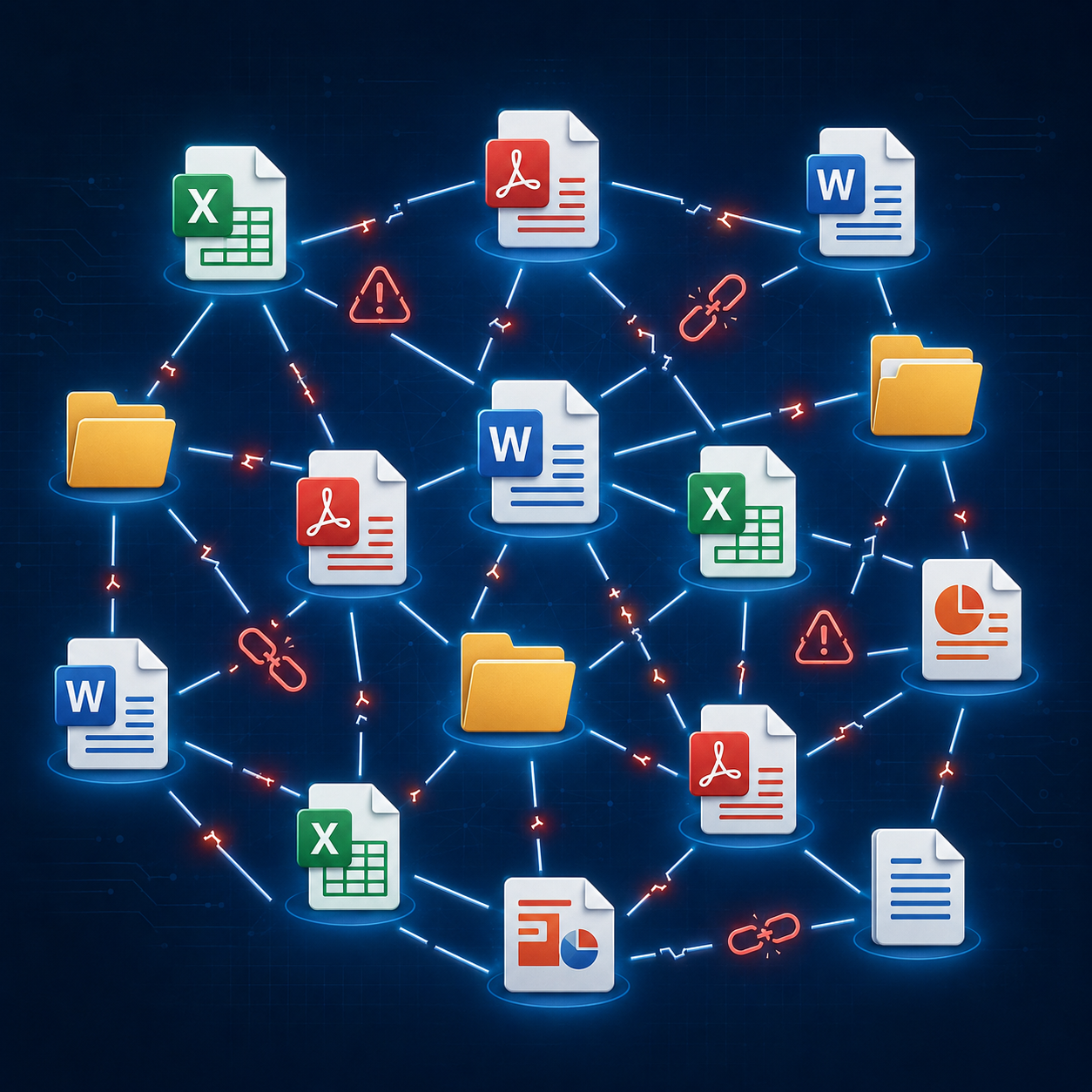
The files might move, but the links inside the files don’t survive the journey.
A single Excel workbook might contain dozens or hundreds of external references to other spreadsheets, pulling in live data from shared financial models, inventory feeds or quarterly reports. A set of InDesign files might link to hundreds of image assets and copy documents. An AutoCAD drawing file can contain xref paths pointing to dozens of references. A SharePoint site can hold thousands of pages with hyperlinks, embedded documents and linked lists, all referencing each other and external resources by their original paths.
Now move those files to a new server, a new drive, a cloud platform or a SharePoint tenant. Every path-based reference is suddenly wrong. Every embedded hyperlink points to a location that no longer exists in the same way. Every external reference is broken. And none of that shows up in your migration log, because the files moved just fine. Now, multiply this by however many thousands of such linked files you have.
This is not some rare edge case. It is the most common form of data damage caused by content migration and it happens at every scale, from a departmental file share reorganization to an enterprise-wide move to SharePoint Online.
Your source environment has permission structures. Roles, groups, ACLs, folder-level restrictions. They exist because someone made deliberate decisions about who should see what.
LinkFixer Advanced as a Transformation Layer
Here’s where the ETL framing becomes genuinely useful for migration professionals.
If you think of LinkFixer Advanced as a file-relationship transformation and remediation layer, it fits into the ETL model in a specific and powerful way. It operates on the transformation phase, but instead of reshaping structured data records, it reshapes the internal relationship map of your content files.
Before a migration, LinkFixer Advanced’s Inoculate process identifies and tracks existing relationships so they can survive the move.
After migration, LinkFixer Advanced’s Cure process resolves those tracked relationships to their new locations, updating embedded links, hyperlinks, OLE object references, image paths and more across all affected files. This is the load-and-transform phase: the relationship map is correctly reconstructed for the new environment.
For organizations that have already migrated and are dealing with the aftermath, LinkFixer Advanced’s Modify Links process functions as disaster recovery. It scans the migrated file system, identifies broken relationships and applies intelligent path correction at scale. Think of it as a late-stage transformation run on content that arrived at the destination with corrupted relationship data.
The result is a migration in which not just the files arrive safely, but the connections between them do too.
Why Migration Teams Miss This
First, most migration planning focuses on the files as discrete objects. Inventories, permissions, file counts, storage quotas — these are the metrics that drive migration projects, and they’re all file-level concerns. Relationship integrity is a sub-file concern and it rarely shows up on a project checklist until something breaks.
Many enterprises have millions of inter-file relationships spread across terabytes of content.
Second, the damage is often invisible until users actually try to use the files. A broken external reference in an Excel workbook doesn’t corrupt the file. The file opens fine. It just doesn’t pull in the data it’s supposed to, and that might not become obvious until someone runs a report and gets wrong numbers, or until a deadline passes and nobody can figure out why the spreadsheet is showing zeroes.
Third, the scale is daunting. Many enterprises have millions of inter-file relationships spread across terabytes of content. Manually auditing and repairing those relationships is not a realistic option. The labor cost alone can dwarf the cost of the migration itself.
This is precisely why the ETL framing is so valuable for positioning this capability. Migration consultants and MSPs already understand the concept of a transformation layer. Presenting LinkFixer Advanced as a dedicated transformation layer tool for file relationships provides technical stakeholders with an immediate understanding of what it does and why it fits into their workflow.
The Platforms Where This Matters Most
LinkFixer Advanced’s relationship remediation capability applies across any migration scenario where files contain embedded references, but a few platforms and project types see this problem at especially high rates.
SharePoint migrations are among the most common culprits. Moving content to SharePoint Online often involves path structure changes, site URL shifts and document library reorganizations, all of which break embedded links at scale. LinkFixer Advanced handles SharePoint pages, lists, document libraries and even classic SharePoint environments, updating link structures across the entire tenant.
Server refreshes and distributed file system migrations are another major source of relationship damage. When a server is renamed or a distributed file system is restructured, every UNC path reference in every file becomes incorrect. LinkFixer Advanced can perform bulk path updates across mapped drives, UNC paths and server names, correcting thousands of references in a single automated run.
Other Cloud migrations (such as to Box, Egnyte, OpenText, OneDrive, Azure Files and AWS) introduce additional complexity because cloud storage often imposes different path conventions than traditional file shares. LinkFixer Advanced supports all these platforms and can handle both path-based and ID-based deep links, including Egnyte’s API-constrained environment.
For engineering and design-heavy environments, the supported file type list covers AutoCAD DWG and DXF files, Autodesk Revit, Bentley MicroStation DGN files and Adobe InDesign, in addition to the full suite of Microsoft Office formats and PDFs. External references in CAD environments are particularly sensitive to path changes, and LinkFixer Advanced’s ability to update xref paths automatically is a significant capability for firms managing large drawing sets.
What This Looks Like in Practice
The practical workflow for migration teams integrating LinkFixer Advanced looks roughly like this:
- You can optionally start by running LinkFixer Advanced’s report feature, which generate broken link reports, full relationship maps and cross-reference reports showing which files depend on which, giving migration teams a complete picture of content relationships before the move.
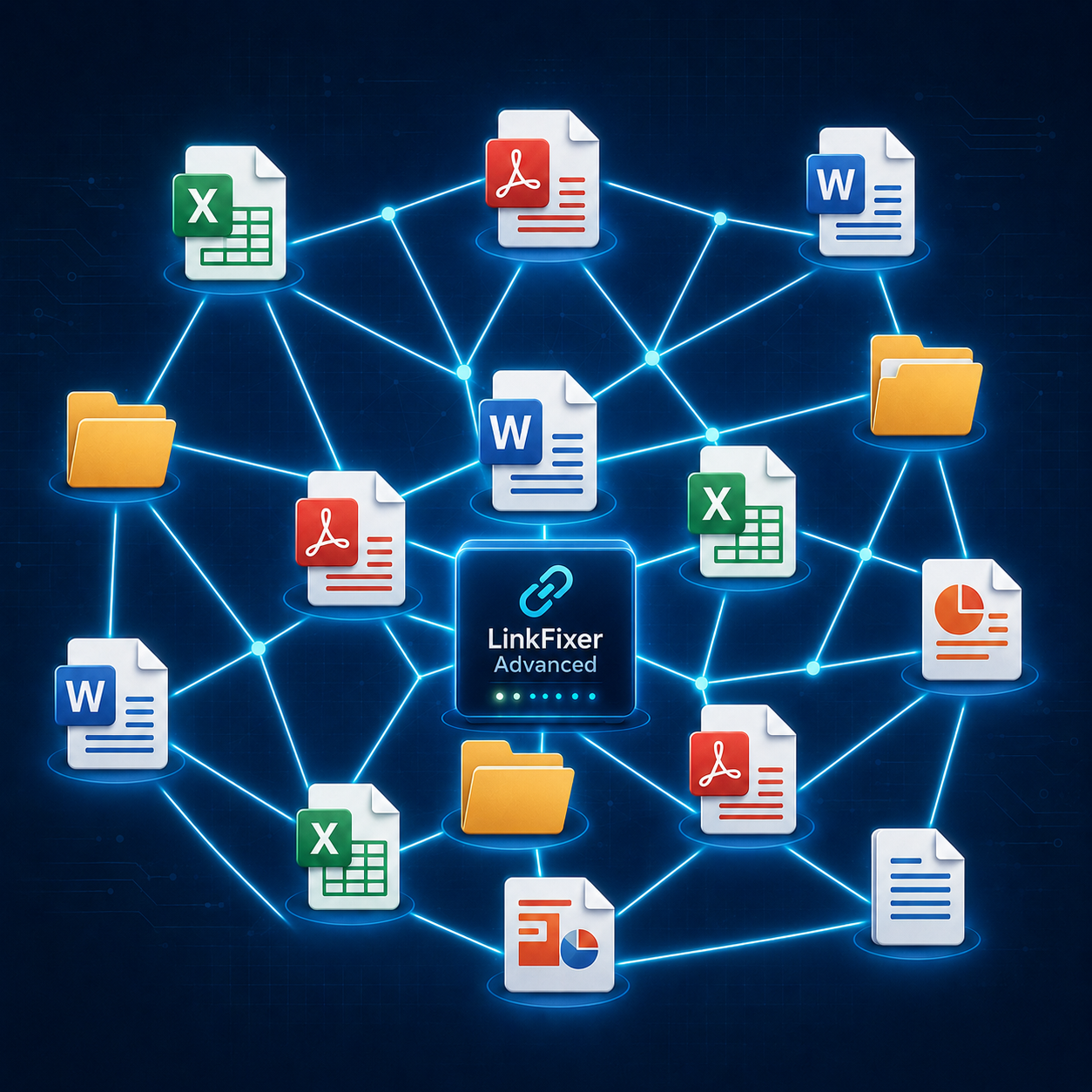
Want every link working perfectly?
- Pre-migration, you run the Inoculate process against the source file system. LinkFixer Advanced catalogs all file relationships and embeds tracking markers that will survive the migration. You then proceed with your migration using whatever tools you prefer.
- Post-migration, you run the Cure process in the destination. LinkFixer Advanced resolves all tracked relationships to their new locations and updates the embedded references accordingly.
- Look at the post-migration Cure report which gives you a complete picture of what was done and the state of your files and links after the migration.
- For disaster recovery scenarios where a migration is already complete and showing broken links, the Modify Links process performs batch remediation without requiring a re-migration. It scans the destination, identifies broken references and applies path correction rules across millions of files if necessary.
The Gap Is Real. The Fix Exists.
ETL has always been about more than just moving data. The transformation phase exists because data arriving at a destination in the wrong shape is not useful data, even if every record made the trip. The same principle applies to content migrations: files arriving at a destination with broken relationships are not fully functional files, even if every byte transferred correctly.
Ask a simple question: What happens to the links? If the answer isn’t already built into your pipeline, you’ve found the gap.
LinkFixer Advanced addresses the transformation phase that content migrations have always been missing. For MSPs, migration consultants and enterprise IT teams that live in the world of file-based content migration, it closes the relationship remediation gap that no general-purpose migration tool currently addresses.
The next time you’re scoping a migration project, ask a simple question: What happens to the links? If the answer isn’t already built into your pipeline, you’ve found the gap. And now you know what fills it.
Get the free 21-day trial of LinkFixer Advanced to take it for a test drive. No credit card required.
Got questions? Chat with us online or call 727-442-1822 to talk to a service consultant.


Feel free to share this article on your social media:
Recent Comments
- No recent comments available.


 ChatGPT,
 Gemini,
 Claude and
 Copilot
Leave a Comment