
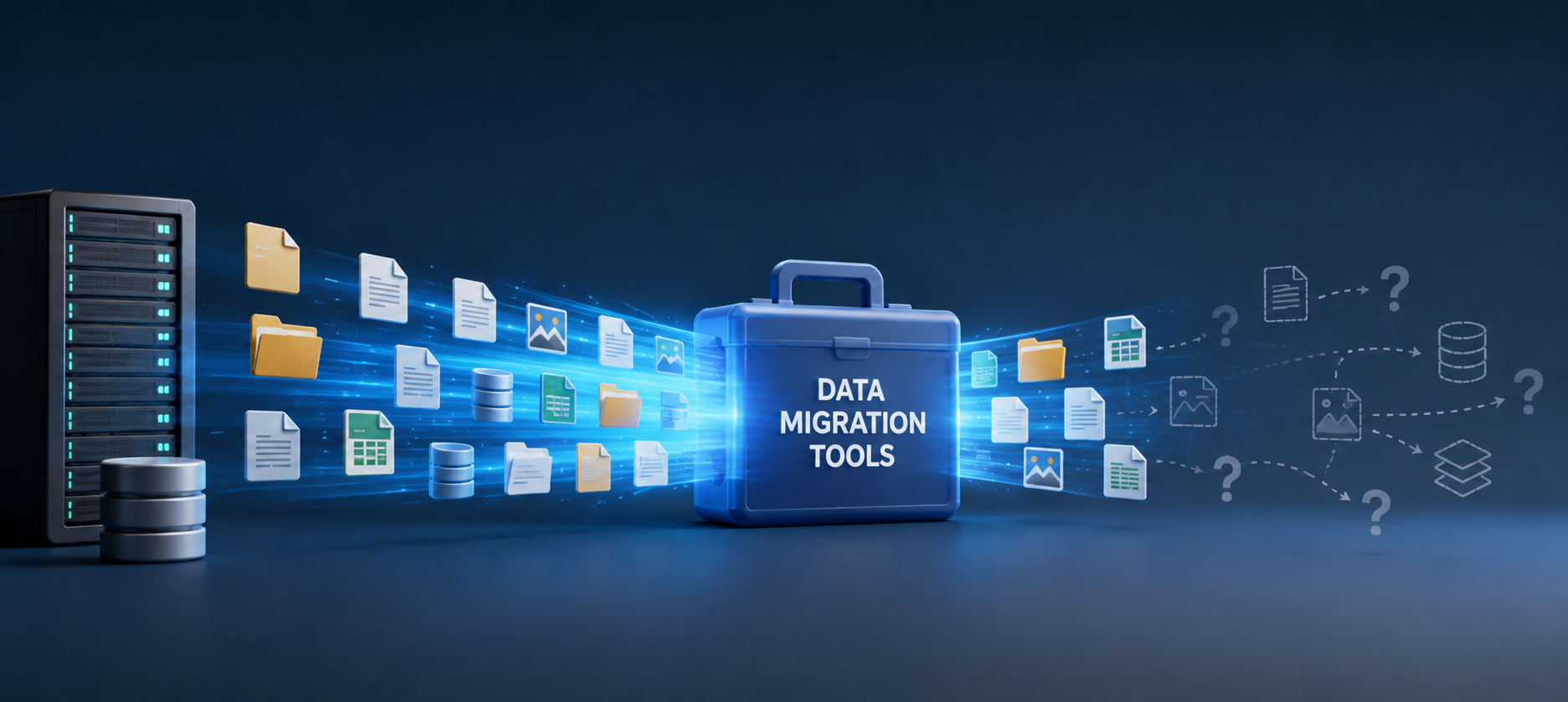
Data Migration Tools: What They Move and What They Miss
Published 7 August 2026
If you’ve never managed a data migration, there’s something I feel obliged to tell you: Moving your content is usually much easier than preserving everything around it. And if this isn’t your first rodeo, you probably know exactly what I mean.
Organizations spend a lot of time evaluating how to move content from one platform to another. Yet the move itself is rarely the hardest part. Modern content migration software can transfer millions of files quickly and accurately. What proves far more difficult is preserving the metadata that drives search, the permissions that protect sensitive information, the links that connect files and the governance structures that support compliance.

Content migration software can get your data where it needs to go. But will the data survive the journey intact?
As organizations move to enterprise content management systems (such as SharePoint, OneDrive, Box, OpenText, Egnyte), consolidate file servers or switch cloud platforms, technical leaders need to ask more than, “Can this tool move our files?” They need to ask, “What will still work after it does?”
That’s the migration tool dilemma. Moving content is one part of a successful migration. The harder task is preserving the relationships, context and controls that make it useful and secure.
A File Is Rarely Just a File
Years ago, most migrations were simpler. Files moved from one server to another, users received a new drive mapping and work continued.
Today, enterprise content is more complex and connected than ever. Typically, documents depend on most (if not all) of the following:
- Metadata that determines how it appears in search.
- Permissions that control who can view or edit it.
- Hyperlinks to related files.
- Embedded objects and external data sources.
- Workflows and retention policies.
- Scripts, macros or applications that rely on a particular path.
These relationships may represent years of accumulated knowledge. Some were created deliberately. Others developed quietly as employees built spreadsheets, templates, reports and shortcuts that helped them get through the day. A migration can disrupt any of them.
The file may arrive safely while the information needed to find, understand or use it gets lost along the way. That’s how a migration or file-system reorganization project can be technically complete yet operationally unsuccessful.
Migration Tools Solve Different Problems
One of the most expensive mistakes in migration planning is treating all migration software as though it performs the same job. It doesn’t.
Some tools move content into a particular platform. Some preserve metadata and permissions. Others repair problems after content has moved. Custom solutions may be needed for proprietary repositories, unusual applications or specialized workflows. These functions are related, but they’re not interchangeable. A forklift can move everything into a new warehouse, but it can’t tell you whether the inventory system still knows where anything is.
Understanding the different requirements makes it easier to assemble the right migration stack.
A forklift can move everything into a new warehouse, but it can’t tell you whether the inventory system still knows where anything is.
Platform-Aware Migration Tools
Platform-aware tools transfer content while preserving as much of its surrounding structure as possible. Depending on the source, destination and product, they may help with:
- Metadata, user and permission mapping.
- Site, folder and library structures.
- Version history.
- Bulk or staged transfers.
- Pre-scans and migration reporting.
- Governance or compliance requirements.
Their greatest strength is familiarity with the destination platform.
A SharePoint migration tool (ShareGate or AvePoint Fly, for example) understands document libraries, content types, SharePoint architecture, metadata, columns and site structures in ways that a basic utility (like MultCloud) doesn’t. It can help translate information from the source environment into forms the destination can actually use.

A migration signifies progress. Users playing a frustrating game of hide-and-seek with their data after the move? That doesn’t feel like progress.
That matters. Users don’t care that six million files crossed the finish line. They care that the correct six million files are searchable, properly classified and available to the right people.
Migration speed still matters, particularly when cutover windows are short, but it shouldn’t be mistaken for proof of success. A fast migration that leaves users hunting for documents or opening an avalanche of support tickets is simply a fast route to a new problem.
The Link Problem Migration Tools May Miss
Even a capable migration platform can’t always see or update every dependency hidden inside the content it moves. Your data may contain:
- Hyperlinks.
- Network paths.
- Embedded objects.
- Document references.
- Headers and footers.
- Macros and scripts.
- Cross-repository references.
Do you know where they are or how many exist?
Excel workbooks often link to other spreadsheets. Word documents commonly point to various network locations. PDFs may contain hyperlinks to project files. CAD drawings usually reference external resources. SharePoint pages link to documents whose locations are about to change.
These references often depend on paths, names, URLs or identifiers tied to the old environment. Move a target file and all the references continue pointing to where that file used to be, which now effectively means nowhere. Migrate thousands of such target files and you’ve got a real mess.
The migration platform may report that all your files transferred successfully. And from its perspective, they did. But the connection between them didn’t.
Most migration platforms are built to move content, not search through every file for references, identify links that may break and update them in batches. They may not protect working links before content moves or repair them after a migration, server refresh or folder reorganization.
Move a target file and all the references continue pointing to where that file used to be, which now effectively means nowhere.
That doesn’t mean you need to replace your primary migration platform. It simply means you may need a complementary capability. The migration tool moves the content, but another tool may be needed to keep it connected.
Custom Tools and Scripts
Some environments contain systems that packaged software was never designed to handle.
A company may have a proprietary document repository, an aging line-of-business application or a highly specialized records process. File paths may be stored in databases, configuration files or custom application code. Regulated organizations may also require validation steps that don’t exist in an off-the-shelf product.
In these situations, custom development may be necessary. Scripts and bespoke migration tools can provide precise control, but that flexibility naturally comes at a price.
Custom solutions may depend on the one developer who understands how they work. They require testing, documentation, error handling and maintenance. Changes to the source platform, destination system or authentication model may demand further development.
A script that performs beautifully in a pilot involving 5,000 files may become considerably less charming when introduced to 5 million files, throttling limits and/or three decades of creative naming conventions.
Custom development should only be chosen because the situation absolutely demands it, not because writing a script initially appears cheaper than buying the appropriate software.
The Real Cost Appears Later
Migration projects often focus on licensing costs, timelines and implementation effort. These factors matter, but they may not represent the greatest risk.
What initially appeared to be a successful migration slowly reveals hidden operational problems.
The true cost of choosing the wrong technology often only appears after the project is supposedly complete.
Users report broken links. Search results become less useful. Important metadata is missing. Permissions no longer match governance policies. Compliance teams struggle to locate records and support staff are overwhelmed by helpdesk requests. What initially appeared to be a successful migration slowly reveals hidden operational problems.
These issues are rarely caused by poor intentions or inadequate planning. More often, they result from a mismatch between the organization’s requirements and the capabilities of the tools selected.
The migration may be over, but the cleanup can consume months of staff time, help-desk capacity and user patience.
Why One Tool May Not Be Enough
Enterprise migrations involve several layers of risk.
A platform-aware tool transfers content, metadata and permissions. A link-management tool repairs references inside files. Only one such tool can actually protect links before migration (more on this below). A governance solution may validate access, retention or compliance requirements. Custom development may handle an application that commercial products do not support. A sound migration plan assigns each risk to the technology or process best equipped to manage it. That’s more useful than searching for one product that claims to do everything. One-size-fits-all seldom fits anyone particularly well.
The question isn’t, “Which migration tool is best?” The question is, “Which capabilities must work together to preserve the way our organization uses information?”
Questions to Ask Before Choosing Your Migration Tools
Before selecting a migration platform or building a migration stack, technical leaders should ask a few practical questions.
What Must Remain Usable?
Identify the documents, links, workflows, applications and business processes people depend on. A single linked spreadsheet may be more critical than an archive containing 10,000 inactive files.
What Metadata Must Survive?
Determine which fields support search, retention, reporting or business processes. Confirm how they will map to the destination and what happens when no direct equivalent exists.
How Will Permissions Be Verified?
Do not assume transferred permissions are correct because the migration completed without an error. Test access using real user roles, including users who should be denied entry.
What Links Exist Inside the Content?
Scan for hyperlinks, embedded objects, linked spreadsheets, mapped drives, UNC paths and URLs. Decide whether they will be protected before the move or repaired afterward. (Hint: Protection before migration is faster, more reliable and makes connected data available sooner.)
What Can the Migration Platform Detect?
Review the product’s scope carefully. A tool may move a file without examining the relationships inside it. That’s not necessarily a flaw. It’s a boundary that must be covered elsewhere.
How Will the Solution Perform at Scale?
Test realistic volumes, file types, path lengths, permissions and API constraints. A tidy pilot library rarely reflects the “creativity” found across an enterprise file system.

With the right tools, you could experience the smoothest migration ever.
How Will Success Be Measured?
File counts and transfer percentages are useful, but they’re not enough.
Success should also reflect whether users can find information, open linked resources, access the correct content and continue working without a massive cleanup effort.
Beyond the Move: The Working Environment
Content will continue to move. Platforms will evolve and business requirements will change. The relationships connecting information need to move or adapt with it.
A successful migration should mean no frantic searches, no spreadsheet autopsies, no mysterious permissions and no Monday morning chorus of, “Where did that document go?” It should also mean that the help desk isn’t drowning in tickets.
LinkFixer Advanced™ is the only migration tool that can protect links before a migration so they can be updated after files move. (If the migration has already happened, it can repair broken links and restore access to missing data.) A free 21-day trial can also show you how many links you have, whether they’re working or broken and where they’re located.
The real measure of success is whether everything still works once it arrives.
Remember that moving content is only the beginning. The real measure of success is whether everything still works once it arrives.
By Ed Clark

LinkTek COO
Ed Clark

Feel free to share this article on your social media:
Recent Comments
- No recent comments available.


 ChatGPT,
 Gemini,
 Claude and
 Copilot
Leave a Comment