
IT Tips & Tricks
How Much Does It Cost to Fix Broken Links After a Data Migration?
Published 3 November 2026
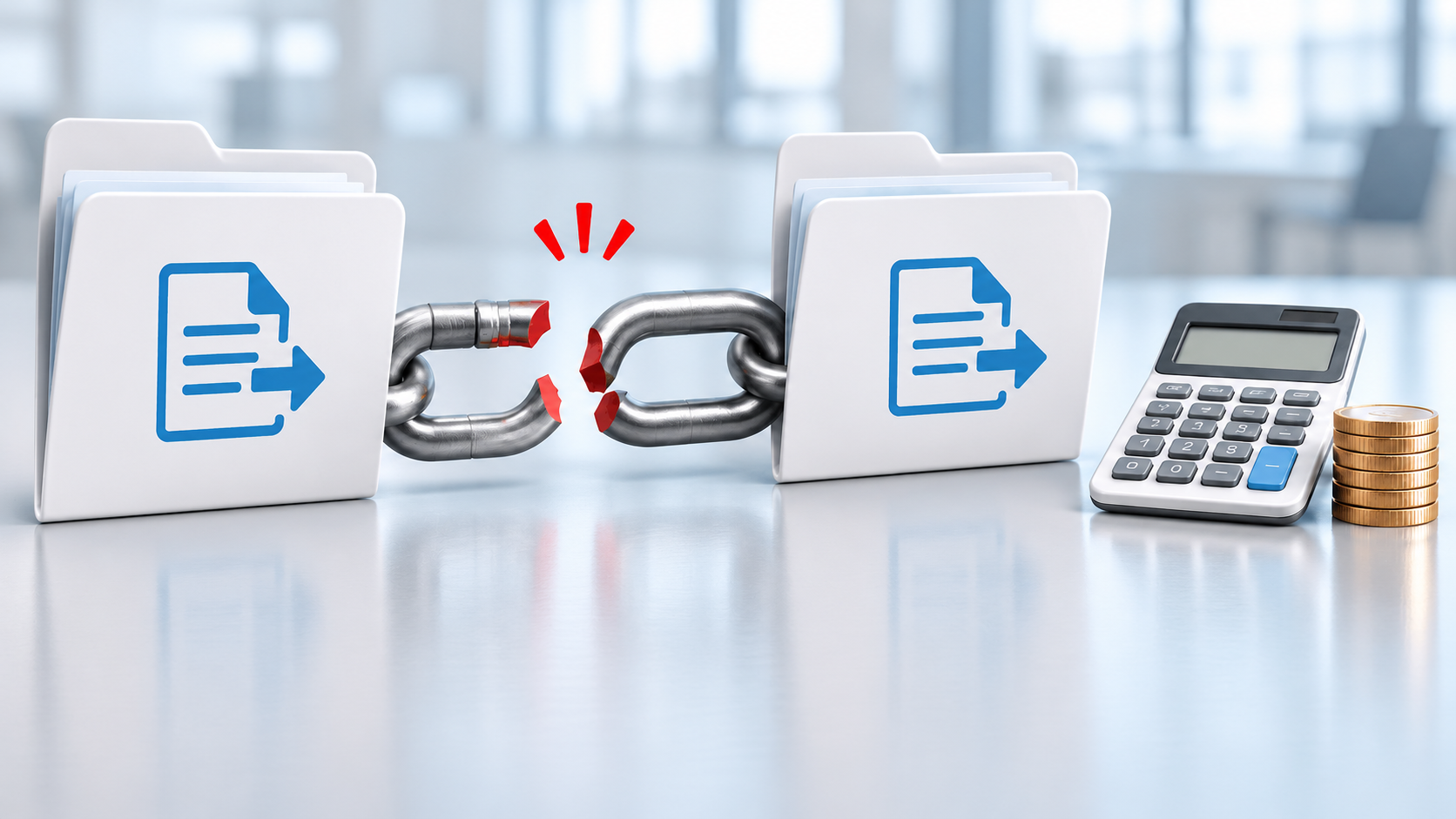
The migration is finally complete. But then Finance opens a forecasting workbook that can’t find its source data, Engineering loses an XRef and Marketing discovers a missing linked chart in a presentation. This is followed by even more reports of missing or inaccurate data.
Now you need a repair estimate.
Unfortunately, there’s no one-size-fits-all price for fixing a broken file link. One hyperlink with an obvious new destination may take minutes. Another may require someone to find a missing target, reconstruct its intended location, resolve an access problem, repair the reference and test the result.
Multiply that uncertainty across thousands or millions of links and “How much will this cost?” becomes a very good question indeed.
The answer depends less on the raw number of broken links than on how much investigation, repair and testing each type requires.
One Broken Link Can Take Minutes. Another Can Take Hours
A link contains directions to another resource. If you move the parent file, the child file or both without preserving the relationship between them, those directions may no longer work. For a yummy analogy, see How Do File Links Really Work?
Sometimes the new destination is obvious. If a server name changed but the remaining folder structure stayed intact, a consistent path correction may resolve some links.
Pricing every failure at the same rate can produce an estimate with all the structural integrity of wet cardboard.
Other failures demand detective work. The target may have been renamed, moved into a different department’s library or excluded from the migration. The person who understands what the link should open may be unavailable. Even after the likely target is found, permissions could prevent testing it.
That’s why pricing every failure at the same rate can produce an estimate with all the structural integrity of wet cardboard.
File Type Changes the Repair Estimate
An organization’s files can contain thousands or millions of links. Word documents point to supporting material. PowerPoint presentations draw from other files. Access databases rely on linked tables. AutoCAD, Revit and MicroStation designs depend on referenced drawings and models. Links also appear in PDFs, web pages, Microsoft Project plans, Visio diagrams, OneNote notebooks and Windows shortcuts.
Each format brings its own repair and testing requirements. A straightforward hyperlink in a Word document isn’t the same as a network of dependencies in an Access database or CAD project.
Excel deserves particular attention. Workbooks may support budgeting, forecasting, pricing or reporting across several departments. When Excel links fail, the spreadsheet may still open and look perfectly respectable while its data is unavailable or outdated. In a critical finance file, this can create what I’ll politely refer to as a “situation.”

A simple broken link may take minutes to fix. A more complex link can turn into hours of investigation.
A Microsoft Q&A user described downloading an Excel workbook from one SharePoint site and uploading it to another. Its relative hyperlinks used ../../, and the user reported that those paths were rewritten after the move. However, clicking the links then produced 404 errors.
The workbook transferred successfully. Repairing its links was a separate job.
What Are You Actually Paying For?
The visible repair may be a changed path inside a file. The labor behind it can include several distinct tasks:
- Discovery: Identifying files that contain links and recording which references have failed.
- Investigation: Determining where each failed link was supposed to lead.
- Repair: Correcting the reference using the appropriate method for that file and link type.
- Verification: Opening representative files, following their links and confirming that users can reach the correct information.
- Exception handling: Resolving missing targets, ambiguous destinations, permission problems and cases requiring a business owner’s decision.
A successful file count can’t tell you whether the links inside those files still work.
Microsoft’s migration guidance treats post-migration validation and support as essential parts of migration work. But a successful file count can’t tell you whether the links inside those files still work.
When reviewing a repair quote or internal estimate, check which of the above activities it includes. A price covering path replacement alone may look attractive until somebody has to investigate several thousand links with unknown destinations.
Let a Mixed-File Pilot Set the Budget
A pilot replaces guesswork with evidence. It should reflect the environment you actually need to repair, not a tidy collection of whichever files were easiest to test.
Include the major file families, business units, link patterns and destinations found in the wider migration. If Engineering owns thousands of design files, give those files suitable weight. If Finance depends on linked workbooks, include the critical examples rather than a few harmless spreadsheets from the holiday-party committee.
Measure discovery, investigation, repair and verification separately. Record the number of files inspected, the number with confirmed failures, the link patterns involved and the time spent on each type of case.
Include awkward examples too. A pilot filled with obvious one-for-one path changes won’t reveal what missing database tables, unidentified CAD references or inaccessible SharePoint content will cost to resolve.
I wouldn’t trust an estimate that can’t explain how its sample represents the real file population.
I wouldn’t trust an estimate that can’t explain how its sample represents the real file population.
Turn the Pilot Into a Repair Estimate
Start by grouping affected files according to their link patterns and repair requirements. PowerPoint hyperlinks may form one group while CAD references or linked Access tables fall into others.
For each group, calculate:
Estimated affected files × measured effort per file × applicable labor rate
Then add the time required for verification and an allowance for unresolved cases.

A mixed-file pilot can turn repair assumptions into measurable time and cost.
Keep the assumptions visible. How was the number of affected files estimated? Which formats did the pilot cover? Does the measured effort include investigation or only the repair itself? Who will decide where an ambiguous link belongs?
If the first production batch looks nothing like the pilot, stop and revise the estimate before the original allowance quietly disappears.
The estimate won’t predict every difficult case. It should, however, show why the expected work costs what it does and what could cause that cost to change.
Don’t Forget the Cost Outside the Repair Queue
The repair team’s hours aren’t the only expense.
Users may lose time reporting failures, finding alternative copies or waiting for access to be restored. Help desk staff spend time collecting enough information to route each ticket. Migration consultants and internal IT teams may be pulled away from other work. A delayed cutover can also keep old infrastructure running longer than planned.
Obviously, these costs are harder to attach to an individual link, but they’re part of the migration’s real financial impact.
This is another reason data migration testing should examine usability, not merely confirm that the expected number of files arrived.
Data migration testing should examine usability, not merely confirm that the expected number of files arrived.
Where LinkFixer Advanced Can Reduce the Cost
Protecting links before migration can dramatically reduce the repair work waiting at the other end.

One broken link can trigger help desk work, lost user time and extended infrastructure costs. Multiply that by the number of links you have.
Teams can use LinkFixer Advanced™ alongside their existing data migration tools to manage the links that keep their content usable. It’s the only solution designed to pre-protect links before migration and can also repair links after a move.
LinkFixer Advanced supports more than 70 file types, including Microsoft Excel, Word, Access, PowerPoint, Project, Visio and OneNote. It also supports Adobe Acrobat and InDesign, AutoCAD, Revit, MicroStation, HTML, CSS, JavaScript, ASP.NET, SharePoint pages and lists and Windows shortcuts.
Automation doesn’t decide where an unidentified target belongs or grant a user permission to open it. What it can do is reduce repetitive link work, apply consistent corrections across large file sets and make the remaining exceptions easier to see.
Price the Repair Before the Tickets Arrive
As mentioned above, there’s no universal flat rate for fixing a broken link after a data migration. The cost depends on the file types involved, the condition of the destination map, the consistency of the failures and the amount of investigation and testing required.
A representative pilot turns those variables into measured staff hours. It gives you a repair estimate you can explain, revise and defend.
If you’re planning a migration or trying to estimate the cost of repairing links after one, contact LinkTek or call 727-442-1822. We can review representative files and destination information, then help you determine where LinkFixer Advanced fits into your plan.
By Ed Clark

LinkTek COO
Ed Clark

Feel free to share this article on your social media:
Recent Comments
- No recent comments available.


 ChatGPT,
 Gemini,
 Claude and
 Copilot

Leave a Comment