

IT Tips & Tricks
What Star Trek Can Teach Us About Broken Links and Data Migration
Published 7 September 2026
A note before you start reading: If your Klingon is a little rusty, simply hover over the Klingon words to see the English translation.
On any version of the U.S.S. Enterprise, nobody would call a transport successful merely because something materialized on the pad. What arrives must be complete, correctly assembled and recognizably the same as what departed. When that process slips, the results range from inconvenient to existentially awkward.
What arrives must be complete, correctly assembled and recognizably the same as what departed.
Data migrations are unlikely to create two versions of Commander Riker, which is probably for the best. They can, however, leave organizations with downtime, missing data and content that arrives in the right repository but can no longer locate the data it depends on. The comparison is playful. The underlying lesson is serious: Moving an object and preserving its integrity are not the same thing.
“He potlhqu’”
Successful Transport Means More Than Arrival
In Star Trek, a transporter dematerializes a person or object into a matter stream, holds its pattern in a buffer and rematerializes it at the destination. The details have shifted over the franchise’s long history, but one rule remains dependable: Pattern integrity matters.
That’s why transporter accidents make such effective stories. In The Original Series, a malfunction divides Captain Kirk into two versions of himself. In The Next Generation, an unusual transport creates a second William Riker. Elsewhere, characters arrive combined, altered, out of phase or trapped in a pattern buffer. The transporter technically moved something each time. Whether anyone would call the outcome successful is another matter.
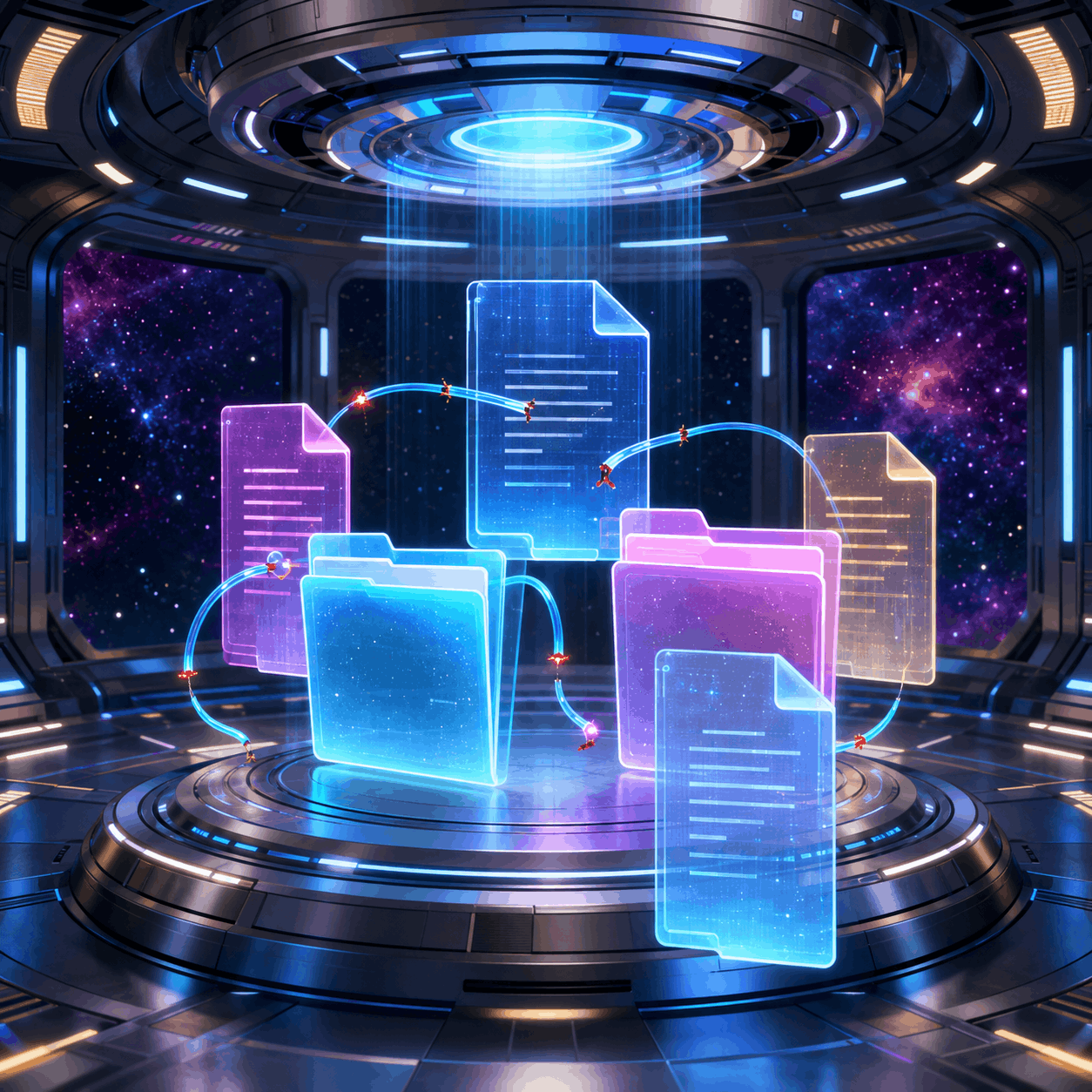
Moving every file doesn’t mean that the relationships between those files will survive.
Migration teams face a slightly less cosmic version of the same problem. A migration tool may move a workbook, drawing, report or presentation exactly as instructed. Yet the file may contain hyperlinks, external workbook references, linked images, OLE object links or other relationships that still point to the old environment. If server names, folder structures, drive mappings, document IDs or URLs change, the linked content may appear to be missing.
The content is present, but part of its working pattern has been lost.
“tuqlIj yIquvHa’moHQo’! Hoch yIpawmoH!”
Links Are Coordinates, Not Decorations
An embedded link tells a file or document where to find something else. That destination may be expressed as a relative path, an absolute path, a UNC path, a mapped drive or a web URL. The visible text may say “Quarterly Forecast,” but the machinery behind that could still be looking for a workbook on a retired server.
Here’s where the universal translator offers a second useful Star Trek analogy. The translator allows characters who use different languages to understand one another. (Conveniently, for the viewing audience, it simultaneously translates everything into Earth English.) A migrated link has a comparable problem. Its message may still make sense, but it’s expressed in coordinates from a system that no longer exists.
The message may still make sense, but it's expressed in coordinates from a system that no longer exists.
Consider the famously direct Klingon expression commonly used as a greeting: “nuqneH?”
The meaning exists whether you understand Klingon or not. In the same way, an old link may still contain a perfectly clear instruction. The trouble is that those old instructions no longer lead to the correct location.
Users don’t find this “fascinating.” All they see is an error message, no result or missing data and must either report it to IT or attempt to locate the file themselves.
Now multiply that situation by 100 or 1,000, and you get an idea of what’s going on after a data migration that leaves lots of broken links.
Manually translating a Klingon sentence is manageable. Manually translating thousands or millions of embedded links, even with a search-and-replace tool, can send you absolutely nowhere at warp speed.
Protect the Pattern Before Migration
The most logical time to address link integrity is before content moves. LinkFixer Advanced™ can pre-protect working links so they can be automatically reconnected after files and folders are migrated, renamed or reorganized.
The process doesn’t rely on a humanoid figuring out how every old path corresponds to a new one.
LinkTek calls this process Inoculate and Cure. The terminology sounds medical, but Chief O’Brien would approve of the method.
During Inoculate, the software creates an internal map of the relationships between parent files and the child files they reference. After the content moves, Cure uses that map to locate moved or renamed files and automatically batch update links to point to the new locations.
Because the relationships were recorded before the environment changed, the process doesn’t rely on a humanoid figuring out how every old path corresponds to a new one. For IT managers, migration consultants and MSPs, the principle is simple.
Link integrity should be treated as part of migration planning, not as an unpleasant adversary to be battled at the end of the journey. Discovery, protection and validation belong alongside content inventories, permissions, metadata and cutover planning.
“pop lamnIS suvwI'”
Repairing the Pattern After Migration
Of course, not every team encounters LinkFixer Advanced before the journey. Sometimes the migration is complete, the legacy environment is gone, there are almost more broken links than stars in the sky, and the help desk is learning polite ways to say “I’ll get to you as soon as possible.” (I’ll bet there’s a suitably curt Klingon version for this.)
In this situation, prevention is no longer an option, but disaster recovery is.
LinkFixer Advanced includes a Modify Links process for repairing existing broken links in batch. It can update server or share names, replace parts of link paths, convert mapped drives to UNC paths and change relative paths to absolute paths or the reverse.
It can also handle links inside widely used business and technical formats, including Word®, Excel®, PowerPoint®, PDF, AutoCAD®, Revit® and MicroStation® files.
This is more controlled than trying a search-and-replace app across a mixed file estate. A text replacement tool doesn’t necessarily understand where links are stored inside complex formats, which strings are genuine link targets or how different link types should be handled. A broad replacement attempt can miss valid references, change unrelated text or create a fresh class of errors. That is less transporter repair and more transporter roulette.
With LinkFixer Advanced, automation handles the repetitive work of repairing links and reconnecting users with data that still exists, earning the migration team a nod of approval from the bridge.
“yIlo’! jaghpu’lI’ tIjey! tuqlIjvaD batlh yIqem!”
The Invisible Force Field
The best link protection is almost imperceptible. Ideally, users open the migrated file, click a link and reach the expected destination. And they see all the data that’s being pulled in by links, just as it was before the migration. They don’t want to hear about path mapping, document identifiers or how the infrastructure changed. They simply want to get on with their work.
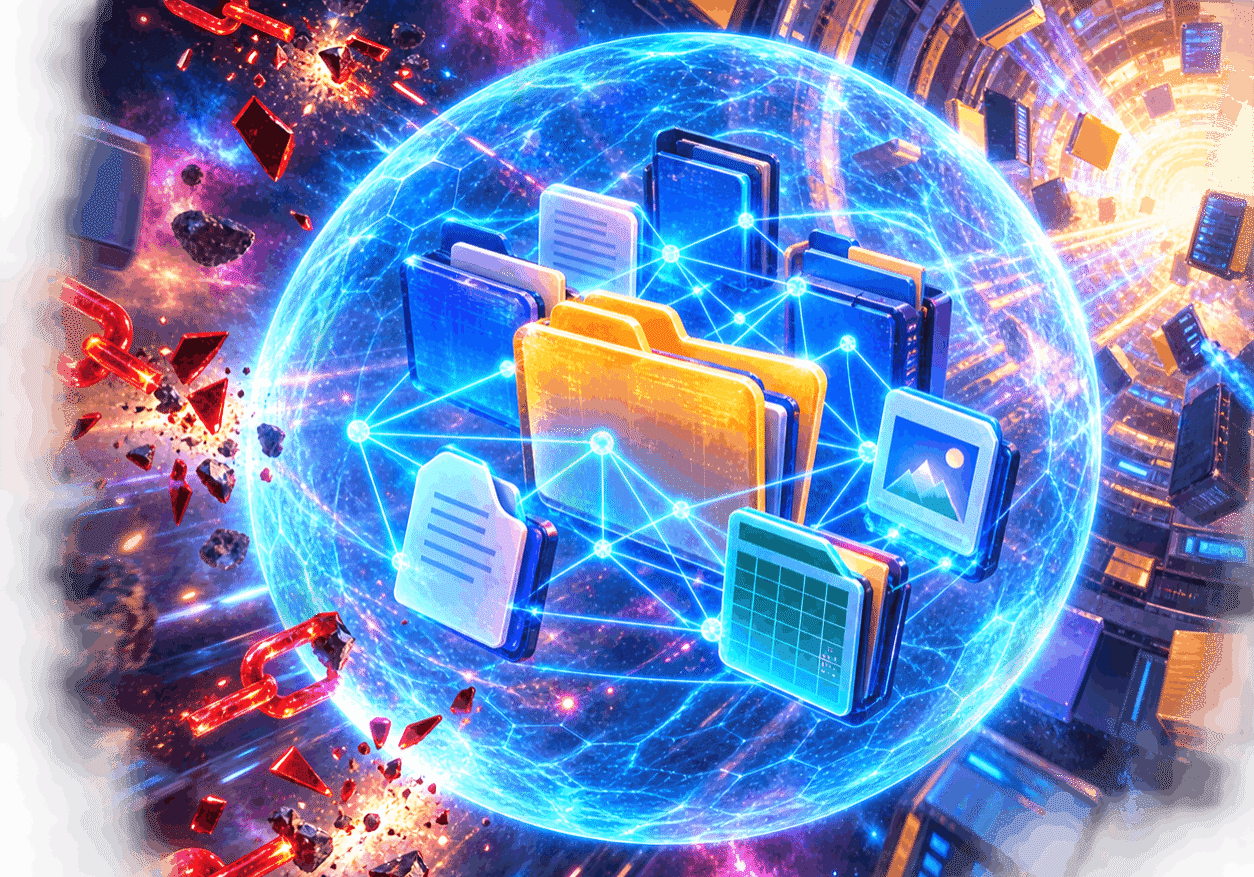
A pre-migration link protection force field helps files and their connections arrive intact.
That effortless continuity is what good migration engineering looks like. The technology behind it may be intricate, but the user experience shouldn’t be. Star Trek’s universal translator is valuable for the same reason. When it works, the conversation simply continues and nobody pauses to scrutinize the mechanics.
If you’re preparing for a migration, server refresh or file-system reorganization, use the free trial of LinkFixer Advanced to test link protection on a representative set of files. If the move has already happened, use the trial to assess a sample of the broken-link problem and explore the Modify Links option.
The goal is to move the files, preserve their connections and validate what arrives. Then your migration team can use the only Klingon conclusion this article needs: “Qapla’!”
By Ed Clark
Disclaimer: Star Trek, Klingon and related names and marks are the property of their respective owners. This independent article is not affiliated with, sponsored by or endorsed by Paramount or CBS Studios.

LinkTek COO
Ed Clark

Feel free to share this article on your social media:
Recent Comments
- No recent comments available.


 ChatGPT,
 Gemini,
 Claude and
 Copilot
Leave a Comment