

3 Reasons a Pre-Migration Link Report is a Critical Risk Assessment Tool in Data Migration
Published 26 November 2025
With an upcoming data migration, you analyze disk space, user permissions, network bandwidth and application compatibility. You scan for everything from duplicate files to viruses. But what about the invisible web of connections that binds your enterprise data together? The thousands or even millions of internal links within documents, spreadsheets and presentations that dictate how users access and share information.
Ignoring these links before a migration is risky and about as smart as hiking into the backcountry without a GPS device (plus a compass and a map for when the connection is lost). In terms of a data migration, the cost of getting lost can be severe: project delays, user frustration, data integrity issues, the time and money it takes to address the data loss, and ultimately, the loss of trust in IT.
A typical pre-migration assessment scan is essential, but it only scratches the surface.
1. The Hidden Iceberg: What a Basic File Scan Misses
A typical pre-migration assessment scan will tell you what files exist and where they are located. It’s essential, but it only scratches the surface. It won’t tell you:

Unknown links can sink a migration faster than the iceberg sank the Titanic.
- Which files are dependent on others. For example, if you move “Document A,” it won’t tell you that the links in Spreadsheet B will break, and therefore, whatever data Spreadsheet B was pulling from Document A will be missing.
- Which links point to ghost data. A file-inventory scan won’t highlight which files are linked to data on servers that no longer exist or to network shares that were decommissioned years ago.
- The true scope of your data. A source-environment scan won’t tell you that the 10TB you’re planning to migrate includes approximately 2TB of data that is linked to nothing relevant and could be archived.
- Interdepartmental dependencies. A data-discovery scan doesn’t list the critical links that cross functional silos, impacting workflows you weren’t even aware of.
This is where a pre-migration link checker becomes not just helpful, but absolutely critical.
2. Your Pre-Migration GPS: If You Know, You Know
Imagine having a detailed blueprint of every single file-to-file connection within your entire dataset before you initiate the migration. This isn’t just about identifying what could break. It’s about intelligent decision-making, risk mitigation and optimizing your migration strategy. This is precisely what LinkTek’s Link Reporter™ provides.
Key Insight: Link Reporter allows you to generate comprehensive reports detailing all links within your files, locating and identifying both valid links and broken links.
Data Speaks: Reducing Scope and Uncovering Obsolete Dependencies
Let’s look at a common scenario. A company plans a 20TB migration from an on-premise file server to SharePoint® Online. A basic file scan confirms the 20TB. However, a Link Reporter audit reveals eye-opening data:
- 5% of all links point to targets on a server that was retired two years ago. These are essentially dead links pointing to ghost data.
- 3% of links point to external cloud storage accounts or personal drives that are not part of the migration scope and possibly violate company data governance policies.
An IT team could potentially reduce its migration scope by a significant percentage.
- 12% of documents contain links to files that haven’t been accessed in over five years — prime candidates for archiving rather than migration.
Did you know about the 36,278 active links that are embedded in the finance department’s Excel files?
By using the insights from Link Reporter, an IT team could potentially reduce its migration scope by a significant percentage. This translates directly into:
- Reduced migration time: Less data to move.
- Lower cloud storage costs: Don’t pay to store irrelevant or ghost data.
- Improved data quality: Clean up digital clutter before moving it.
- Minimized compliance risk: Identify and address links to unmanaged or inappropriate locations.
Link Reporter provides a clear overview of:
- Total Files Scanned & Total Links Discovered: This gives you the raw scale of your challenge. (For example, did you know about the 36,278 active links that are embedded in the finance department’s Excel files?)
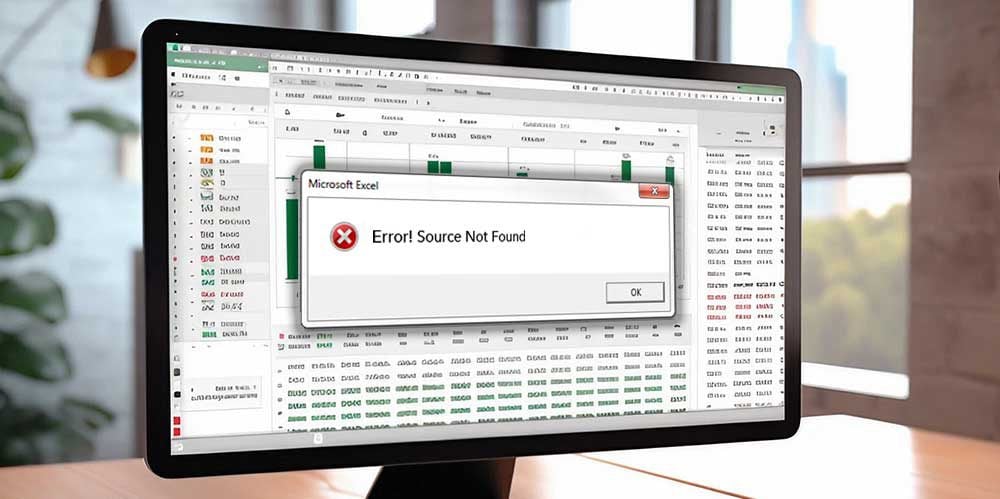
For many organizations, the links in their Excel files are often the most critical.
- Estimated Scope Reduction: A tangible metric of how much unnecessary data you can avoid migrating.
- Link Status Overview: Visualizes the breakdown of valid, broken and legacy/inactive links in a clear pie chart. This quickly highlights the “link rot” that often plagues enterprise data.
- Detailed Link Analysis Reports: Provide granular data on specific file paths, link targets and their status, enabling targeted remediation.
3. The Strategic Advantage for Data Migration Consultants and IT Teams
For migration consultants, a Link Reporter audit isn’t just a service. It’s a key differentiator. It elevates your offering from a simple data mover to a strategic data optimizer. You can proactively identify risks, advise clients on data clean-up, recommend a link protection tool and guarantee a smoother transition.
Don’t embark on your next migration blindly.
For internal IT teams, Link Reporter is like gaining a superpower. It can transform a tricky migration into a predictable, manageable process. You gain:
- Unprecedented Visibility: A complete topological map of your data relationships.
- Proactive Risk Mitigation: Identify and address broken or problematic links before they cause post-migration chaos.
- Cost Savings: Reduce storage, bandwidth and labor costs by migrating only what’s necessary and relevant.
- Uninterrupted Productivity: Ensure users can access their documents immediately post-migration without encountering broken links.
- Improved Data Governance: Uncover links pointing to unmanaged or non-compliant locations.
Don’t Just Scan, Understand.
In the complex world of data migration, knowledge is power. (Pardon the cliché, but in this case it fits too perfectly, so I had to do it.) A pre-migration assessment provides only a general overview. A pre-migration link report from Link Reporter provides detailed information, such as the exact location and status of potential pitfalls. Don’t embark on your next migration blindly. Arm yourself with the insights that matter most and ensure your users have perfectly linked functional data from day one.
If you have questions, chat with us online at LinkTek.com or call 727-442-1822 to talk to a LinkTek consultant. Alternatively, get the free Link Reporter download now for eagle-eyed insight into your data.
By Ed Clark

Ed Clark
LinkTek COO

Feel free to share this article on your social media:
Recent Comments
- No recent comments available.


 ChatGPT,
 Gemini,
 Claude and
 Copilot
Leave a Comment