1. Data Loss During Migration
Data migration sometimes sounds simple, but the devil is in the details — especially when you’re dealing with complex dependencies, versioned documents and large-scale file systems.
It’s usually not a case of files just not transferring. The real risks come from subtle misconfigurations that can break workflows downstream. For instance, files that are checked out or locked during migration can silently skip changes or create phantom versions, while metadata misalignment can disrupt SharePoint views, search indexing or compliance reporting (as another of many examples).
Permissions are another hidden hazard: ACLs (Access Control Lists) that look simple in the source environment may map incorrectly when migrating, for example, to SharePoint Online, leaving sensitive content exposed or inaccessible to the teams that rely on it.
The underlying risk (mismatched permission models between source and target systems) is common in migrations, but in SharePoint Online, it is especially acute because of differences between legacy file share inheritance and SharePoint’s site, library and group-based security model.
The goal isn’t just to move your data. It’s to make sure the environment behaves exactly as expected once users start working. That means you need to catch issues before they become visible problems.
2. Broken File Links
One of the most overlooked issues during a migration is links breaking within files.
Many files contain embedded references to other documents, spreadsheets or even external systems. When paths change during a migration, these references will silently fail.
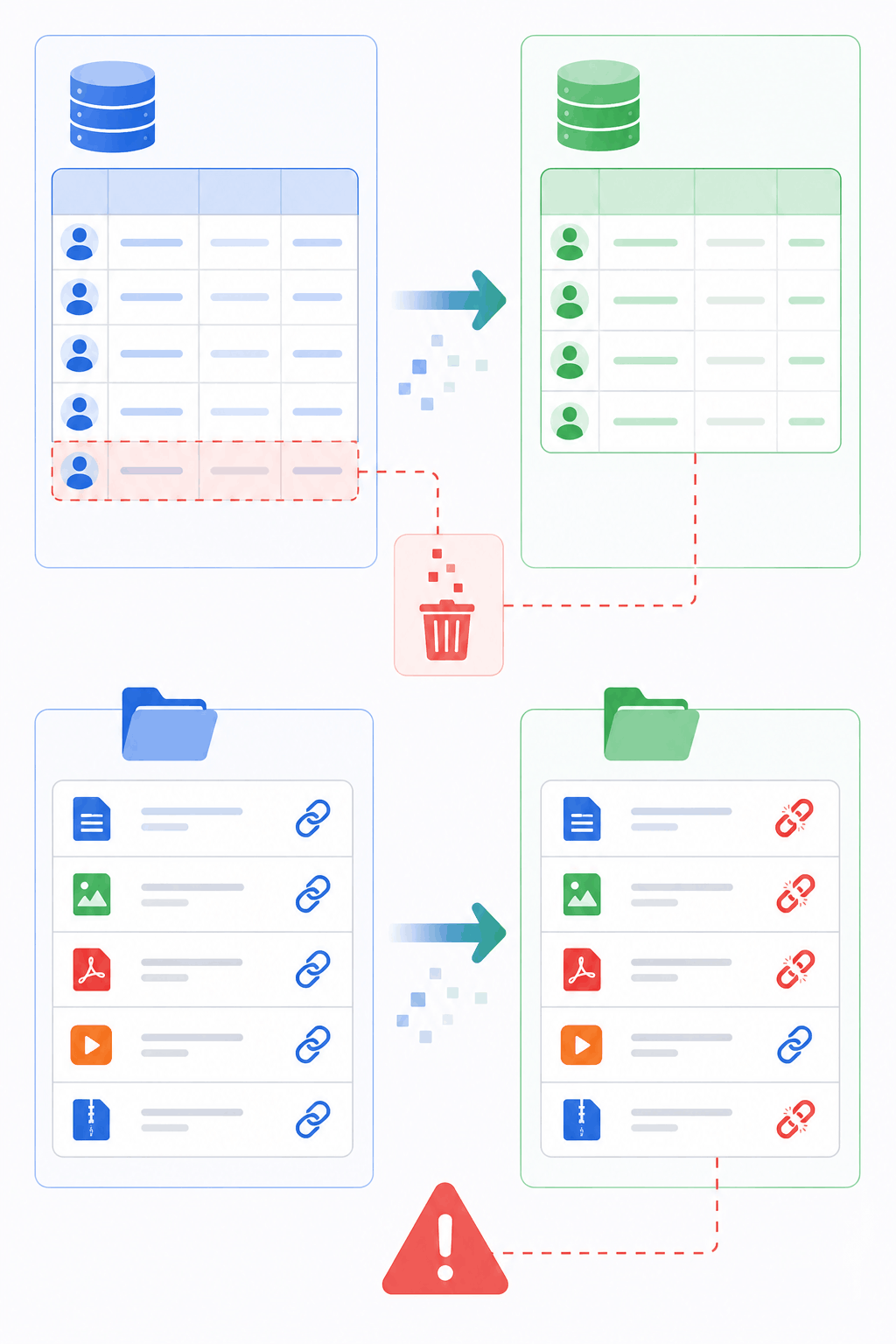
This problem is particularly prevalent in intricate migrations, large-scale file system restructures and document management system transitions, where dependencies can get complex or deeply nested.
When paths change during migration, the links silently fail. This risk is especially pronounced in SharePoint Online migrations, where traditional file-share paths are converted into URLs, site boundaries disrupt cross-library references, and deeply nested folder structures magnify the chance of broken links. The result: files that appear intact but lose critical connections to the resources teams depend on.
To mitigate this risk, organizations rely on LinkFixer Advanced to automatically detect, preserve and repair links within files, preventing a common cause of data loss.
3. Incomplete Data Transfers
It’s not uncommon for some files to transfer successfully while others are silently skipped due to permission conflicts, file limitations or system incompatibilities.
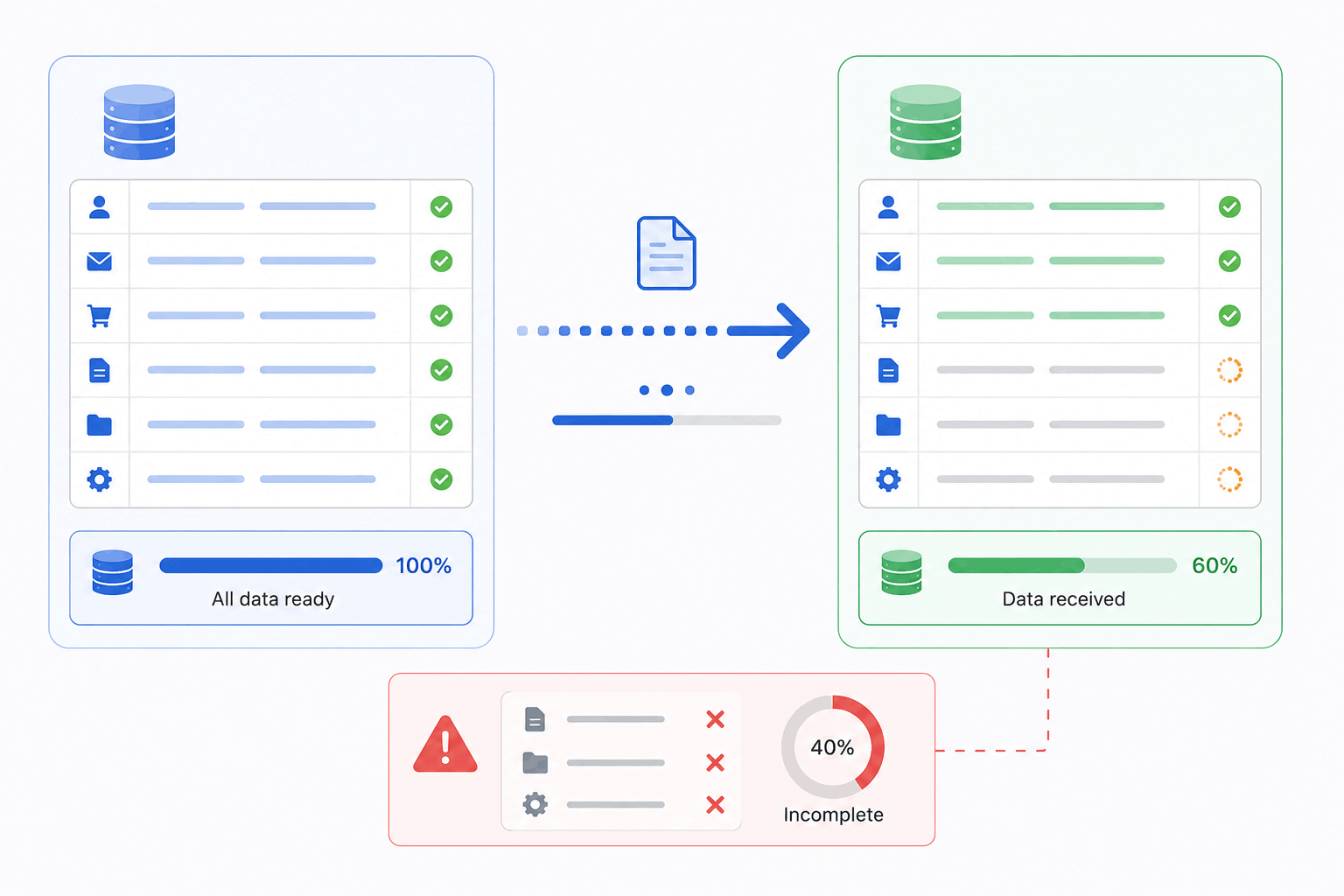
Without strong validation and post-migration auditing, gaps often go unnoticed until users need to access certain documents, at which point remediation becomes urgent, disruptive and costly.
4. Metadata Loss
Metadata is the backbone of many systems, powering search, governance and compliance.
Tags, document properties and classification labels are often assumed to migrate automatically, but in practice, they can be lost, misaligned or mapped incorrectly during a move.
When metadata breaks, it can degrade search functionality, disrupt workflows and even create compliance gaps that go unnoticed until audits or reporting uncover them.
5. Permission and Access Issues
Migrating data between platforms often means translating complex user permissions from one system to another. If permission mappings aren’t configured correctly, users can suddenly lose access to critical documents, or worse, gain visibility into sensitive content they shouldn’t see.
The challenge is magnified in environments with nested groups, inherited permissions or custom roles, where a single misalignment can cascade across hundreds or thousands of files.
6. Application Integration Failures
Enterprise systems rarely exist in isolation. They’re often integrated with reporting tools, dashboards, business intelligence platforms and other applications. When underlying data structures change during a migration, these integrations can fail, causing broken reports, missing metrics or errors in automated workflows.
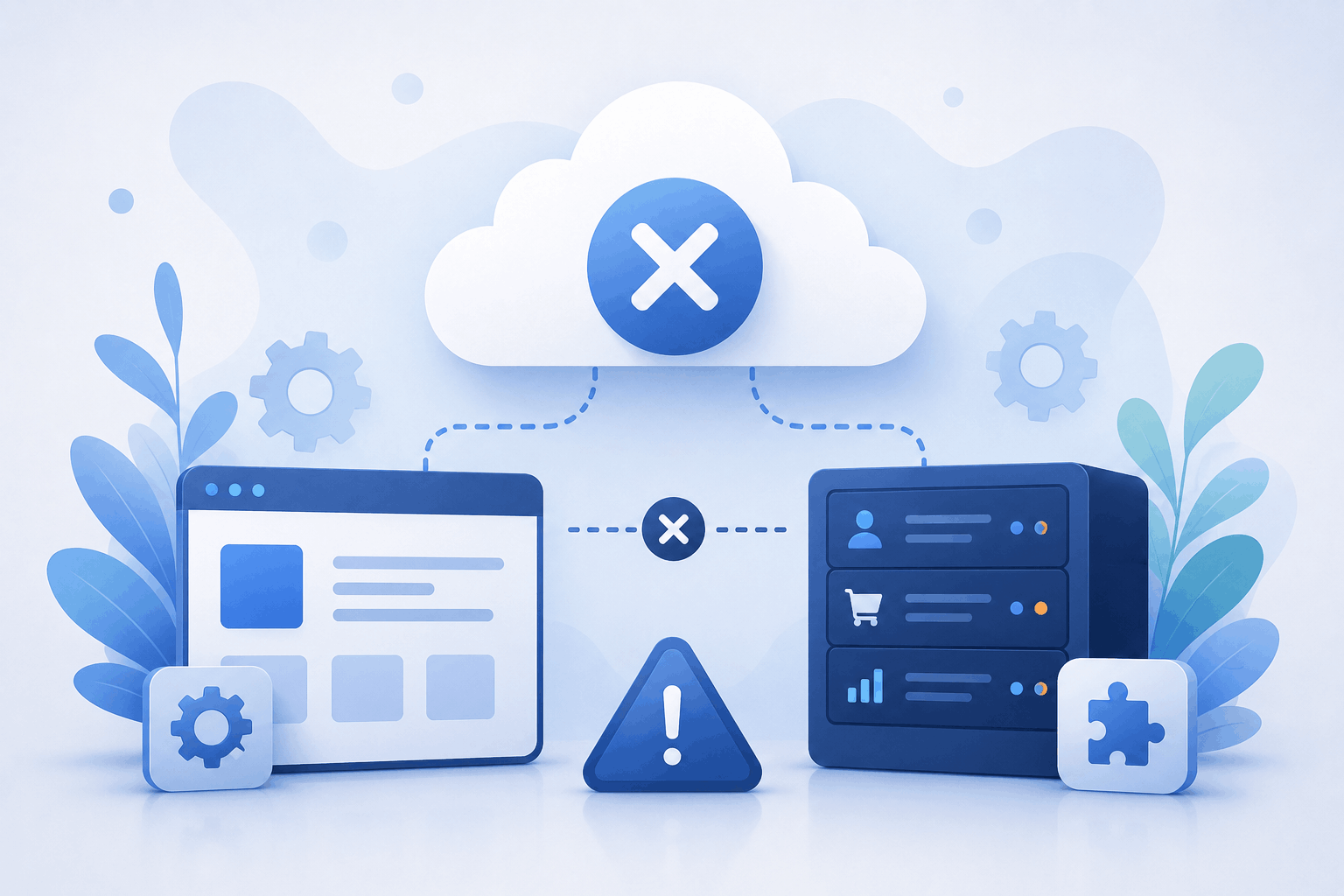
The risk is particularly high for systems that rely on hard-coded file paths, database schemas or custom API connections.
7. Unexpected Downtime
Large-scale migrations can temporarily disrupt systems, particularly when transferring or validating high-volume datasets. Extended downtime can slow workflows, delay reporting and affect revenue-critical processes.
8. Data Integrity Problems
Even when files migrate without obvious errors, inconsistencies can still creep in. Duplicate records may appear, files can become corrupted or important attributes may be missing. These are subtle issues that often go unnoticed until users or downstream systems are affected.

9. Hidden System Dependencies
Enterprise environments are tangled webs of hidden dependencies between documents, apps and workflows.
Migrate without uncovering them first, and you’re basically setting yourself up for chaos: broken processes, failed apps and business disruptions waiting to happen.
10. Lack of Migration Planning
One of the fastest ways to sabotage a migration? Skip the planning. The winners know better. Successful migrations start with:
- A deep-dive environment assessment.
- Hunting down every hidden dependency.
- Pilot migrations to catch problems before they explode.
- Post-migration validation to make sure nothing broke.
Organizations that do their homework and use the right migration tools don’t just survive — they absolutely crush the risk game.
To limit migration risk, see How to Reduce Data Migration Risk.

1805 Drew Street
Clearwater, Florida 33765
Phone: 727-442-1822
E-mail: LinkMail@LinkTek.com


 ChatGPT,
 Gemini,
 Claude and
 Copilot