
Published 28 April 2026
When data migration goes right, projects stay on track, teams stay productive and nobody starts Googling “how to recover missing files” at 2 a.m.
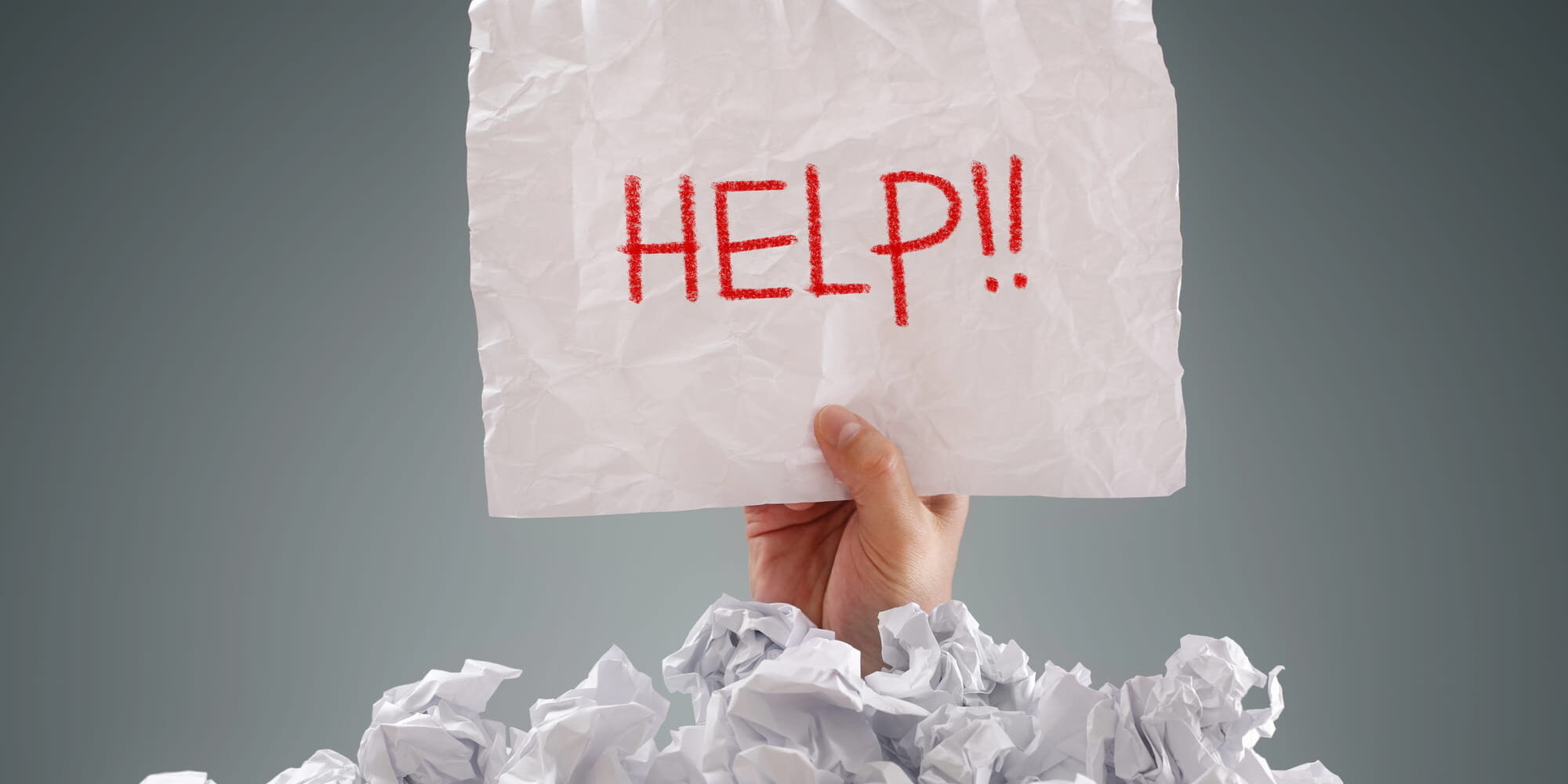
When it goes wrong, well … deadlines slip, links break, files seem to vanish, users get frustrated and what was supposed to be progress suddenly feels like a huge step backward.
The good news? Migration chaos is not inevitable.
A successful data migration is not simply about copying files from one place to another and crossing your fingers. It is about confidence: confidence that when the move is complete, everything still works exactly as it should.
What Organizations Actually Want From a Migration (Hint: It’s Not “More Work”)

Angry, frustrated end users or execs? No, thanks.
Let’s be honest. Most teams don’t wake up excited to “manage a migration.” What they really want is much simpler:
- Clean data
- Working files
- Zero surprises
- Users who are not flooding support with panicked messages
That outcome is absolutely possible, but only when migration is approached with intention.
One of the biggest risks usually hides in plain sight: linked files, embedded references, buried dependencies and permission and file relationships that were never designed to travel together.
When those connections break, productivity drops fast.
Why “We’ll Fix It Later” Almost Always Backfires
Many migration teams still rely on manual processes after the move to fix problems. This is where the “we’ll fix it later” mindset quietly turns into real risk.
What does that actually look like in practice?
- Teams maintain a spreadsheet to track files that failed to migrate correctly, then manually reopen each file to relink broken references.
- Team members resort to clicking through folders and files one by one to repair broken links or to using a search & replace app (which by their very nature require a lot of manual input, checking and correction).
We’ll fix it later” almost always means “We’ll fix it later … manually.
- Teams run limited spot checks by opening a handful of files and assuming the rest are fine.
- Teams manually recreate permissions or folder relationships based on memory or outdated documentation.
At first, this may feel manageable. It rarely is.
Here’s the problem: “We’ll fix it later” almost always means “We’ll fix it later … manually.” (See Why I Think “We’ll Fix It After” Is a Bad Idea for Your Data Migration.)
And manual remediation at scale introduces two major problems:
1. Human error multiplies. Even careful teams miss things when reviewing thousands of files by hand.
2. Time expands rapidly. What looks like a quick cleanup turns into days, weeks or months of rework.
Meanwhile, users are already in the new system, encountering missing content, broken links and workflows that no longer function. This forces them to come up with workarounds as temporary solutions … solutions that, in time, become a rat’s nest of problems for IT to deal with.
So, the issue is not just timing. It’s approach.
Avoiding pre-migration fixes simply delays the inevitable and pushes the burden onto manual processes that were never designed to handle migration cleanup at scale.
What organizations really want is not more work. They want fewer problems to solve.
Great Migrations Start With Planning, Not Panic
Organizations that migrate successfully are not rushing to move data. They’re preparing before they move. They:

Broken links can ruin more than just your day. They can take weeks or months to repair manually. And you won’t be the only person who’s unhappy about it.
- Map dependencies between files and systems.
- Identify linked content and embedded references.
- Preserve file relationships and values.
- Test thoroughly.
- Validate results systematically, not selectively.
Instead of hoping nothing breaks, they design the process so it doesn’t. That often means replacing manual verification and repair with automated validation and correction, built into the migration itself.
It’s a simple shift in mindset, but it makes all the difference.
Clean Data Is Not the Finish Line, It’s the Foundation
Well-migrated data does more than support today’s systems. It creates a foundation for what comes next: automation, analytics, collaboration and future technology initiatives.
When data moves cleanly and accurately, organizations gain confidence in their systems and flexibility in how they evolve. When it doesn’t, every future initiative becomes harder, slower and more expensive.
A Smarter Way Forward (And Fewer Late Nights)
This is where a purpose-built migration tool becomes your work wingman.
LinkFixer Advanced™ helps safeguard file links during large-scale moves, preserving relationships even as folders and files are renamed or relocated.
Instead of relying on spreadsheets, spot checks and manual cleanup after the fact, teams can:
- Use software to automatically identify and update broken links.
- Maintain data integrity across thousands or millions of moved or renamed files.
- Validate migration results at scale, not file by file.
The goal is not just to complete a migration. It’s to end up with a migration you don’t have to do twice.
The result? Faster migrations, fewer disruptions and no late-night scramble to fix what should have worked from the start.
The goal is not just to complete a migration. It’s to end up with data that works, users who stay productive and a migration you don’t have to do twice.
Two words for you: LinkFixer Advanced.
To get yourself some top-of-the-line link care, call 727-442-1822 to talk to a friendly and knowledgeable LinkTek Service Consultant. Alternatively, visit LinkTek.com for more information or to request a free no-credit-card-required trial.

Feel free to share this article on your social media:
Recent Comments
- No recent comments available.


 ChatGPT,
 Gemini,
 Claude and
 Copilot
Leave a Comment