

Case Study: How Aalborg Portland Turned a Failing SharePoint Migration Into a Howling Success
Published 21 October 2026
“We could have saved months.” — İlker Arslantürk
Aalborg Portland was midway through an international SharePoint Online migration when the project hit a major problem hidden inside thousands of its finance files.
Excel workbooks in one location retrieved figures from workbooks stored somewhere else. Some also supplied budget information to PowerPoint presentations used by senior management. The files could be moved from the company’s Windows servers, but their links would not survive the migration.
Opening every affected workbook and updating its links individually was nearly impossible. The problem became serious enough that the migration was close to being cancelled.
And this was no ordinary departmental move.
Founded more than 130 years ago, Aalborg Portland exports white cement to more than 70 countries. Its parent, Cementir Holding, operates across 18 countries and five continents. The SharePoint migration itself covered approximately nine countries.
Aalborg Portland already had SharePoint storage available, so retiring its file servers promised lower infrastructure costs and supported the group’s wider push toward integrated data, automation and more efficient operations.
First, however, its finance files had to arrive with their working relationships intact.

İlker Arslantürk, Cloud Technology & Digital Transformation Specialist for Aalborg Portland Digital S.r.l.
When a Nine-Country Migration Is Stalled by Finance
İlker Arslantürk is a Cloud Technology & Digital Transformation Specialist for Aalborg Portland Digital S.r.l., which supports the digital evolution of the Aalborg Portland Holding group. He was responsible for much of the migration’s technical coordination and execution. He also had the unenviable job of finding a practical way to address the links problem.
Most were standard Excel external workbook links. The complication lay in the folder structures, relative paths and location-specific configurations around them.
A link that worked perfectly in one country might follow a different pattern in another. A rule suitable for one folder structure could point somewhere completely wrong in the next. With so many files involved, even a small inconsistency had plenty of room to cause trouble.
File counts wouldn’t expose the damage. Every workbook could reach SharePoint Online and open normally, yet fail when it tried to retrieve figures from a source file whose address had changed. A PowerPoint presentation could arrive too, minus access to the budget data behind one of its charts.
“We knew we had a problem, but we didn’t know exactly what to ask.”
After researching and testing another option (a replace app) which failed, the team determined that LinkFixer Advanced™ was the solution they needed.
“Updating the links one by one across thousands of files was nearly impossible,” İlker said. “Without LinkFixer Advanced, we couldn’t have solved the problem and the project would have been cancelled.”
Protect First, Repair Where Necessary
Aalborg Portland used LinkFixer Advanced both before and after the files moved.
Most of the teams used LinkFixer Advanced’s Inoculate and Cure process to protect their working links before migration.
“It automated work that would otherwise have been impossible for us to complete one file at a time,” İlker said.
After migration, the software could repair or modify links to handle exceptions, configuration differences and anything else that refused to behave nicely.
We said “most” teams above, and that’s because one site inadvertently supplied an unplanned test of LinkFixer Advanced’s capabilities.
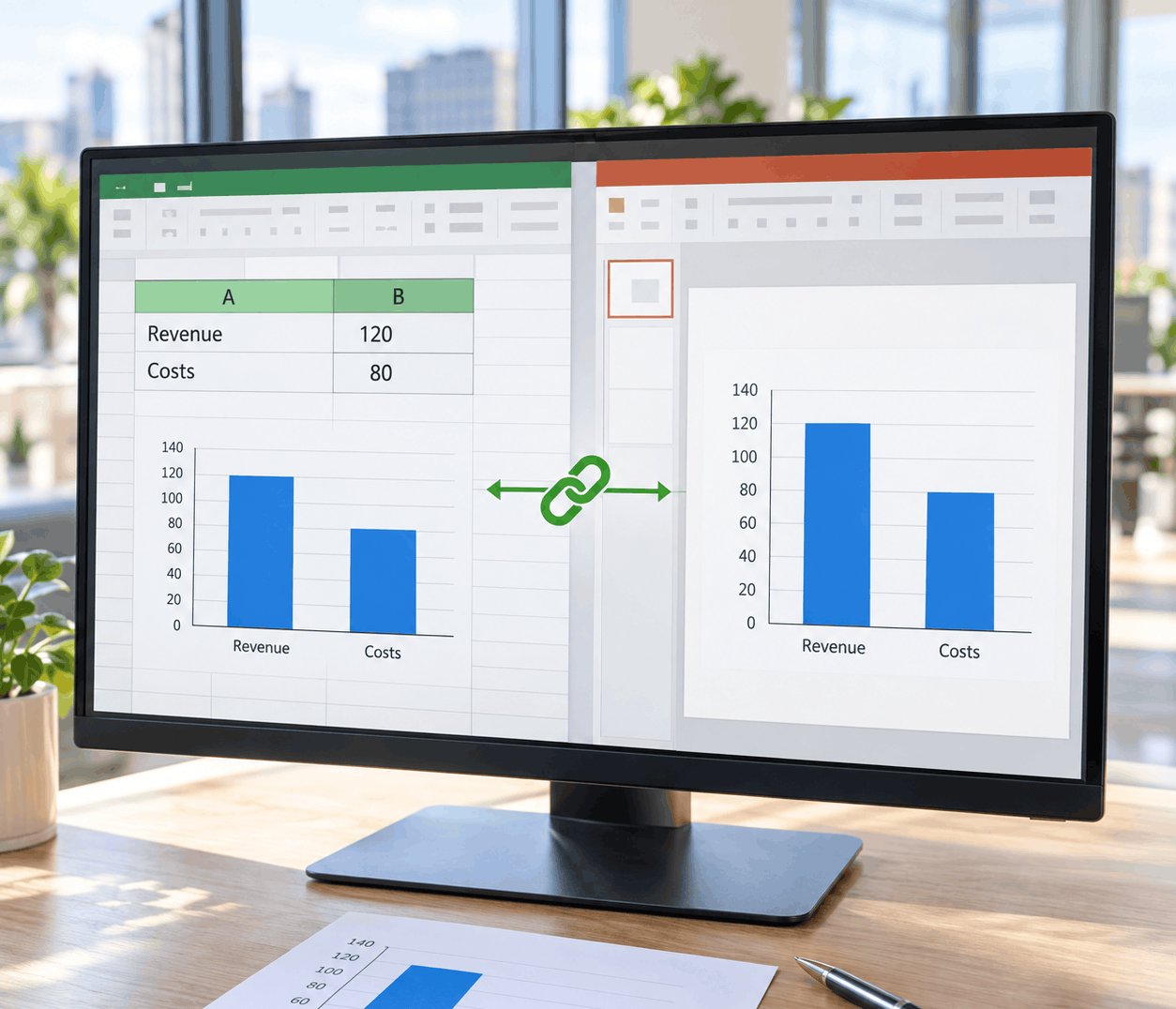
A workbook can open normally while the presentation that depends on it loses access to its figures.
The Country Whose Migration Went Wrong — At First
In one country, vast numbers of files had already been moved. Without the protection of LinkFixer Advanced, the result was inevitable.
That team now faced precisely the situation the company had wanted so badly to avoid: massive numbers of migrated files whose links had broken, resulting in data loss in critical financial files. Without LinkFixer Advanced, it could’ve become an expensive lesson delivered through broken spreadsheets, disrupted reporting and increasingly unhappy users.
Aalborg Portland contacted LinkTek. There was just one complication. İlker knew something had gone wrong for that team, but he wasn’t sure how to describe the technical cause.
“We knew we had a problem, but we didn’t know exactly what to ask,” he said. “LinkTek’s support team knew which questions to ask us.”
“Without LinkFixer Advanced, we couldn’t have solved the problem and the project would have been cancelled.”
The LinkTek team determined what had occurred and helped Aalborg Portland complete the required link repairs using LinkFixer Advanced’s Modify Links process, which repairs supported broken links after a migration.
“The support was amazing,” İlker said. “It was one of the best combinations of software and service that we had received over the years. You don’t find that easily.”
The Software That Was “Virtually Free”
With its link problem firmly under control, Aalborg Portland could complete the migration and remove the file servers it no longer needed.
Retiring those servers reduced the company’s infrastructure costs. İlker doesn’t have a standalone savings figure attributable specifically to the LinkFixer Advanced software, but his assessment was refreshingly blunt:
“What we paid for LinkFixer Advanced was virtually free to us because of the costs we saved by removing the file servers.”
LinkFixer Advanced helped make that possible without leaving Finance floundering in a sea of broken dependencies at the worst possible time. Had that occurred, the migration team would have had to explain why Finance couldn’t retrieve the information it needed. Nobody wants to be in that situation.
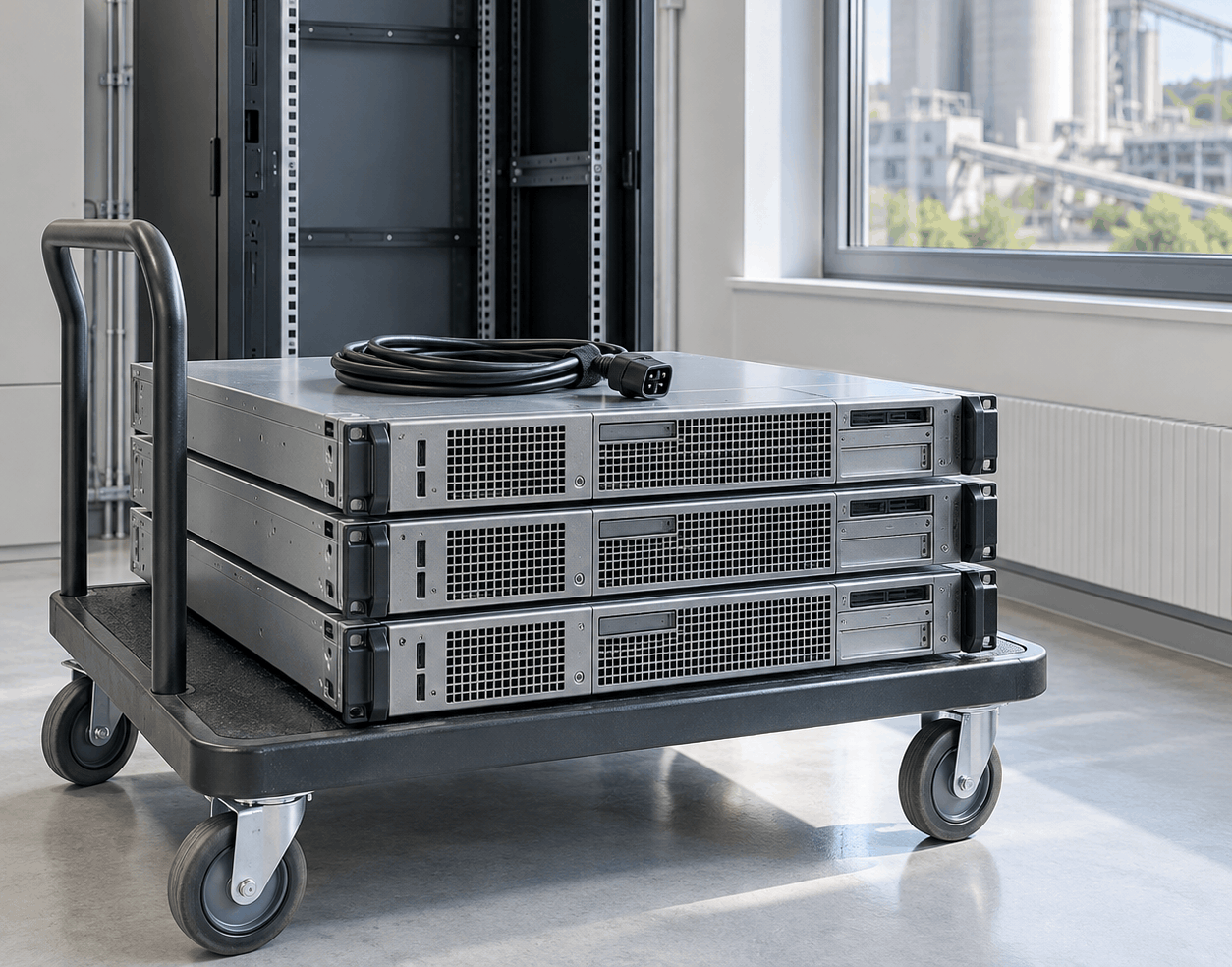
Preserving the file links helped Aalborg Portland retire its servers and reduce infrastructure costs.
Lessons From Aalborg Portland’s Migration
1. Count the connections, not only the files
Aalborg Portland’s Excel workbooks formed parts of financial processes that crossed folders and locations. A file inventory could show how many workbooks there were and where they lived, but not which forecasts, presentations or decisions depended on them.
Migration planning has to uncover those relationships before the files move. Otherwise, a green dashboard may conceal a screenful of red warnings after cutover.
2. Make Finance part of the test
A folder of ordinary documents may migrate beautifully yet prove very little. Years of linked finance workbooks can create dependencies across servers, folders and countries.
A representative test should include the files with the most important and complicated connections. Those are the ones most likely to expose the difference between a successful file transfer and a successful business migration.
3. Bring in specialists early
Aalborg Portland Digital understood its environment and successfully carried out a multinational migration. Link preservation was a specialized problem that required specialized knowledge.
Looking back, İlker believes earlier professional help would have saved his team considerable research and testing. His advice to other migration teams is a fitting conclusion to the story:
“Get professional help from the beginning. We could have saved months.”

Feel free to share this article on your social media:
Recent Comments
- No recent comments available.


 ChatGPT,
 Gemini,
 Claude and
 Copilot
Leave a Comment